
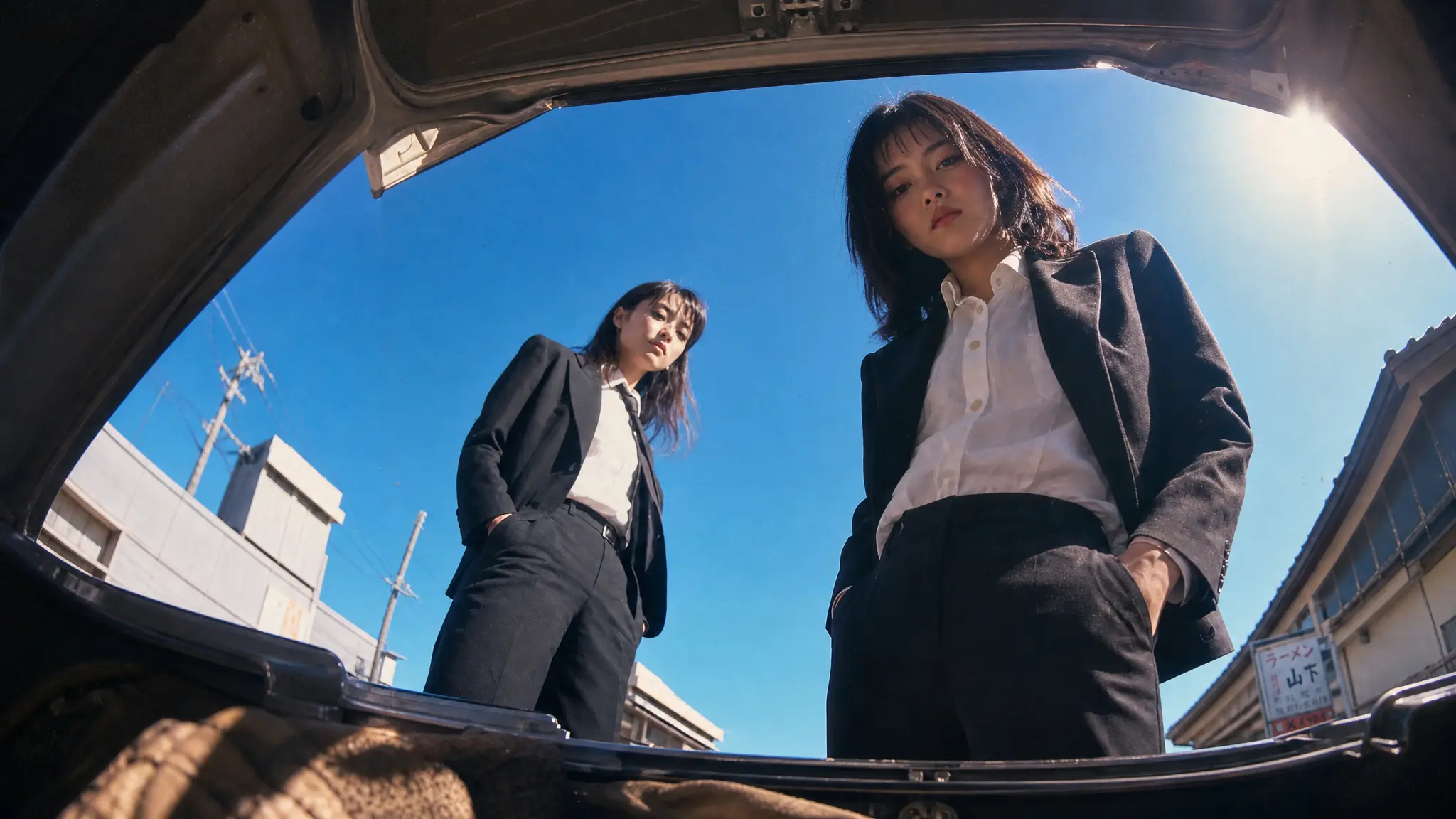
Start with a sharp photo of your rapper
Blurry or low-resolution images give the model little to work with, producing soft faces and unstable mouths. Use a sharp, well-lit, front-facing photo at the highest resolution you have.
Turn a photo, a beat or one line of lyrics into a rap music video. Use the AI rap video generator with every top model in one workspace, and drop clips that are ready to post.
Browse what people are making with the AI rap video generator. Every clip started as a single still or one line of prompt.
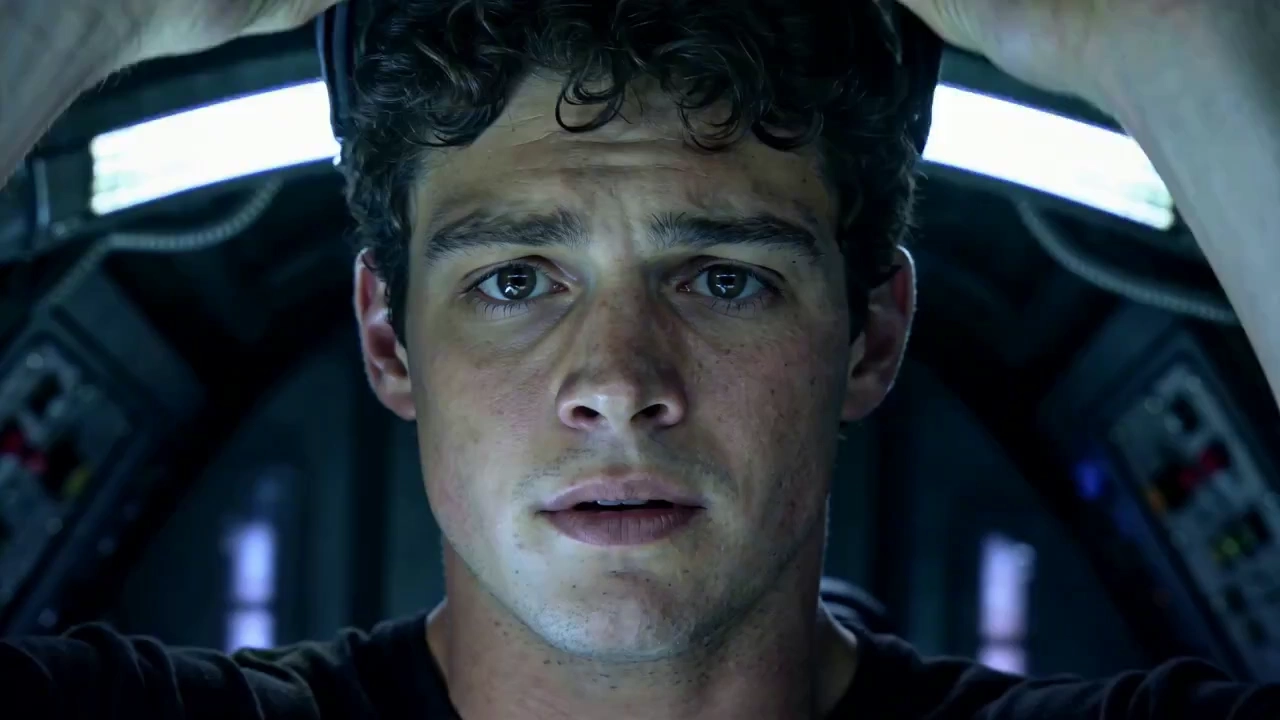
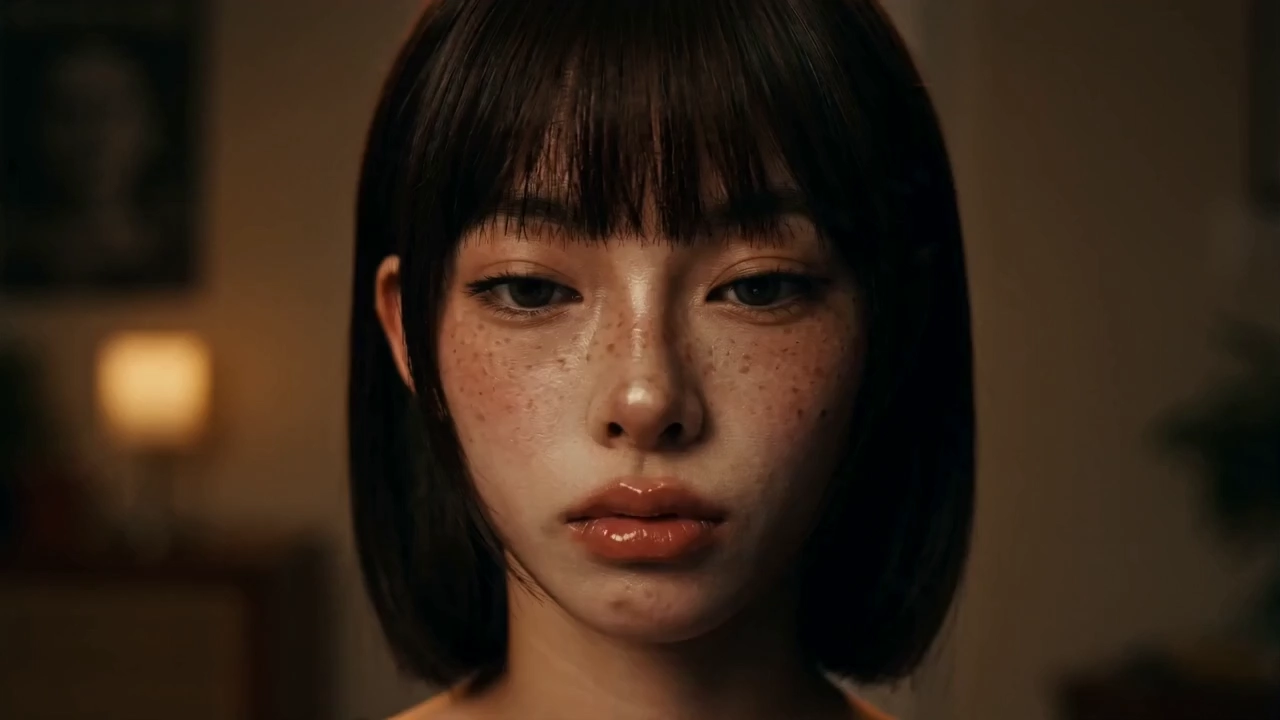
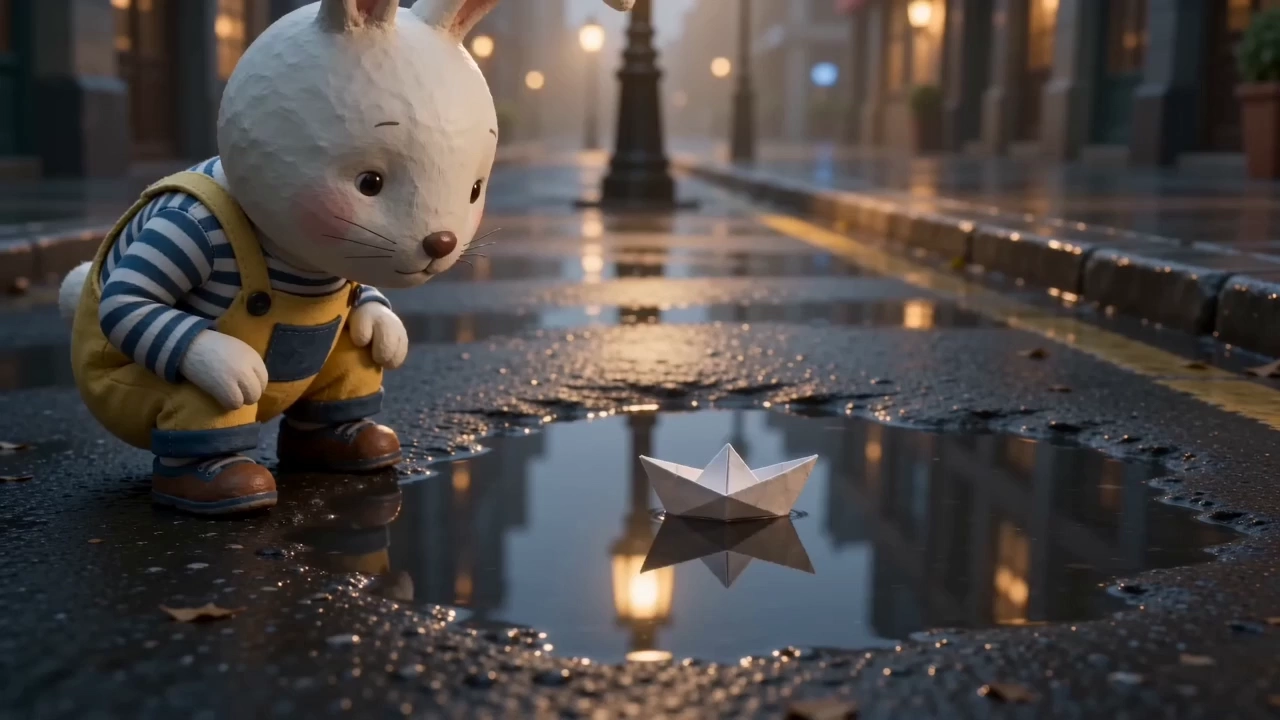
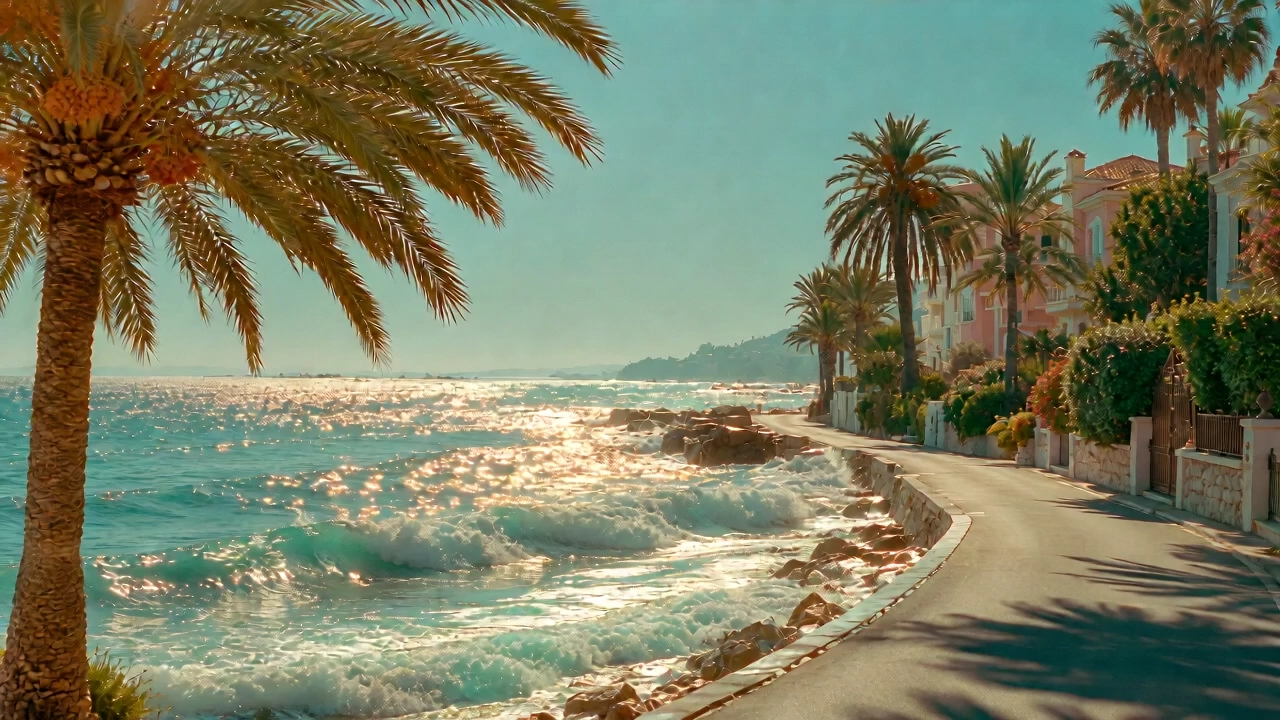
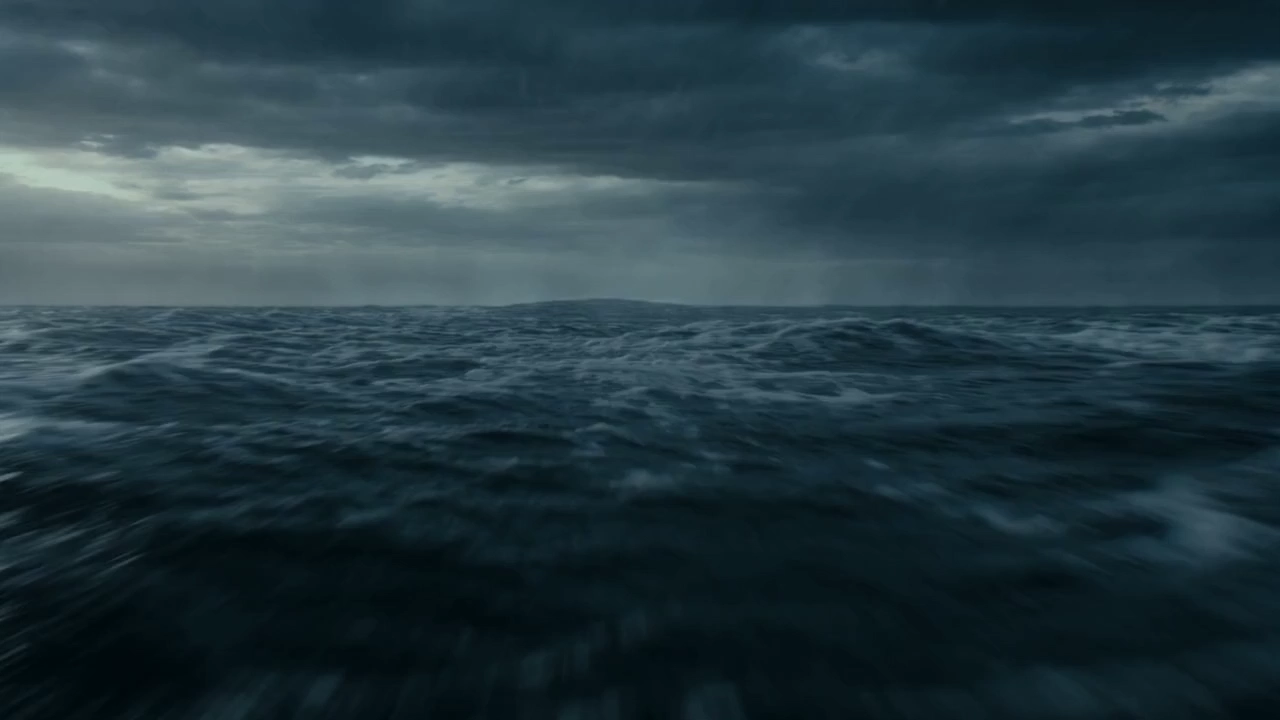
Put your rapper in any look with the AI rap video generator. Keep the face and outfit from your reference, and change only the motion, the camera and the vibe.
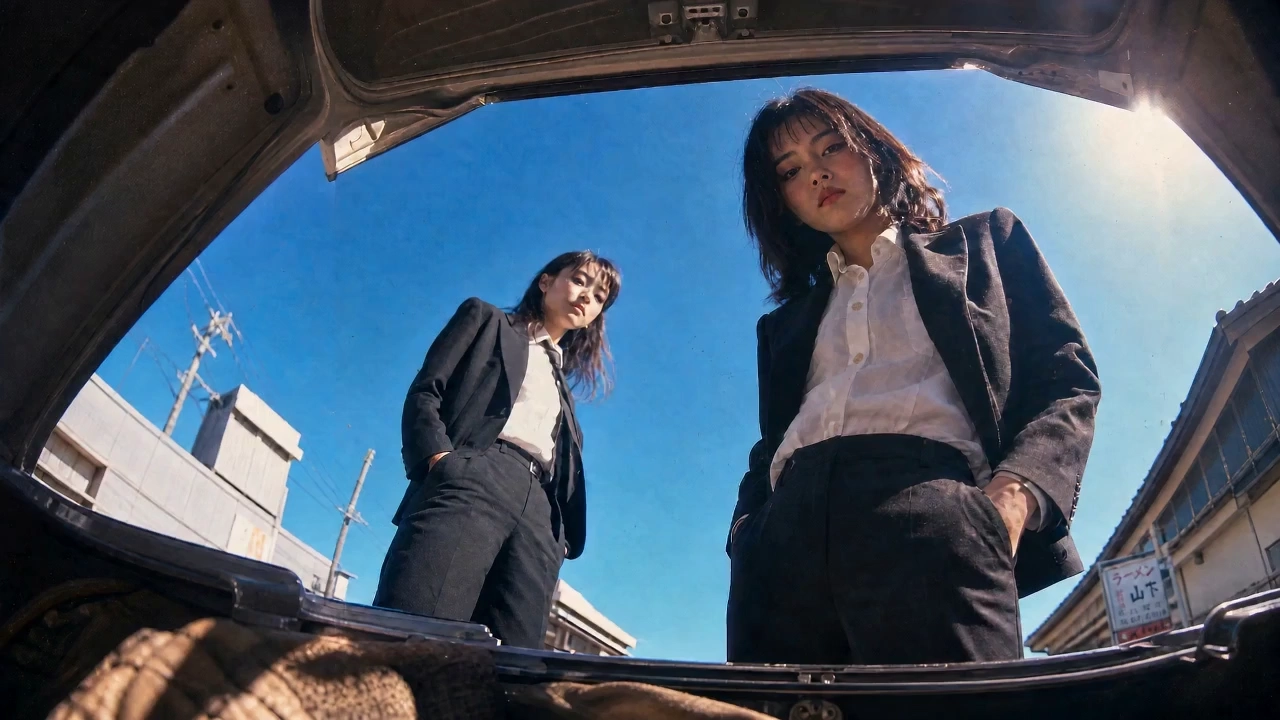
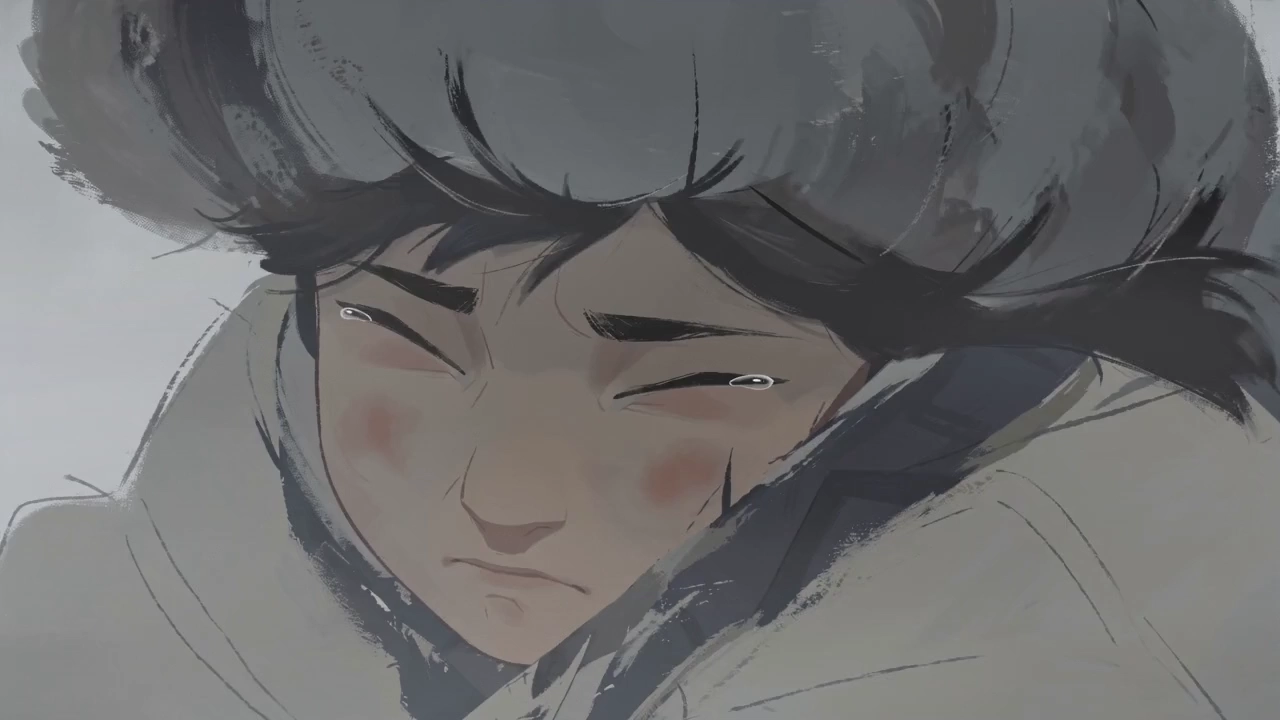
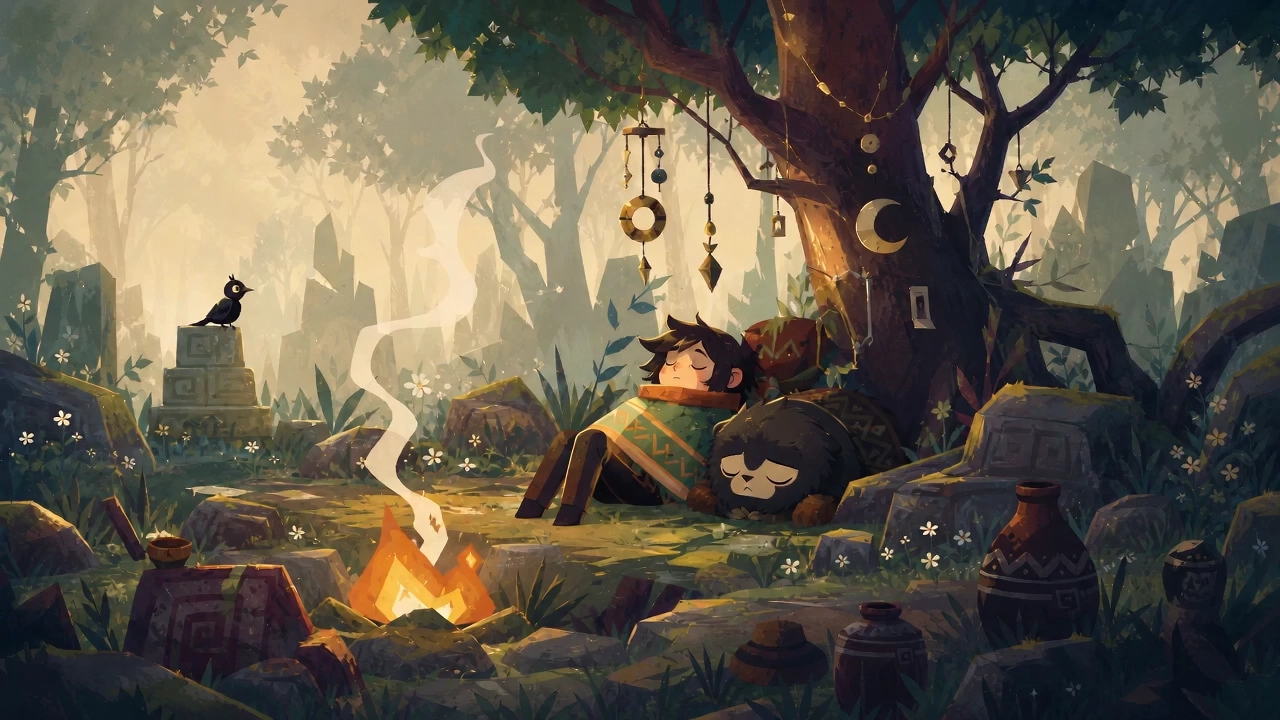
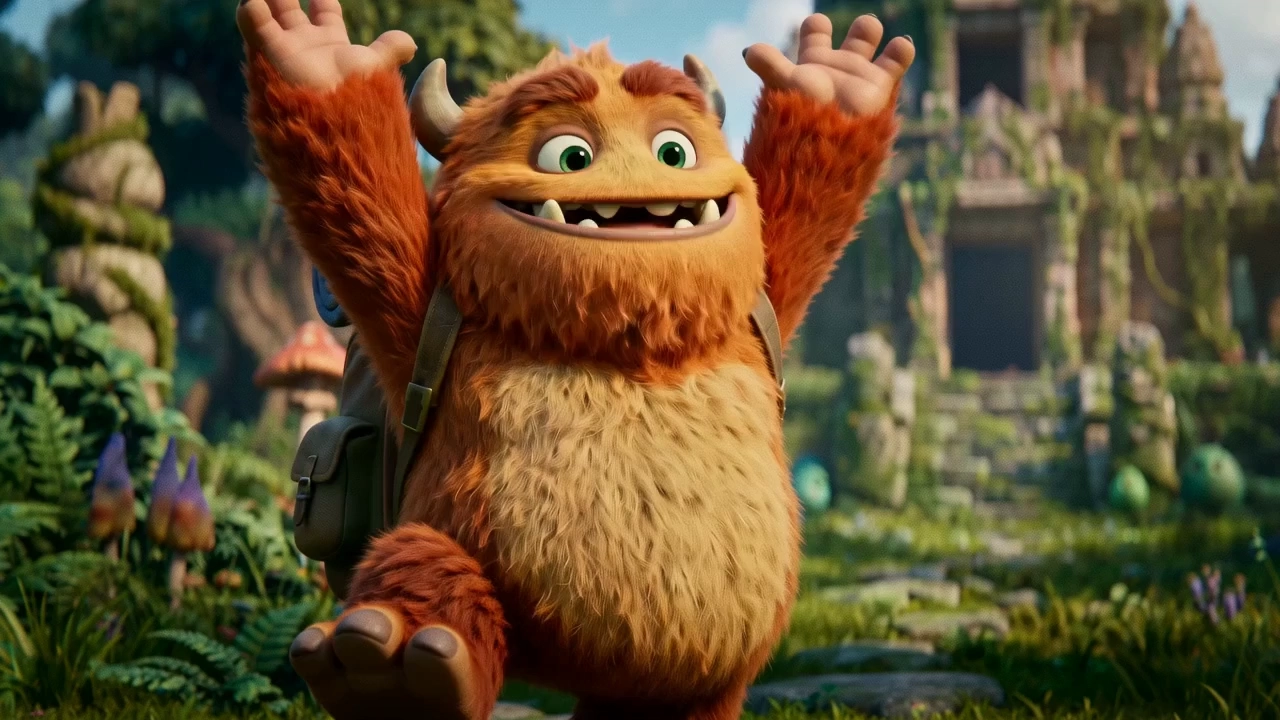
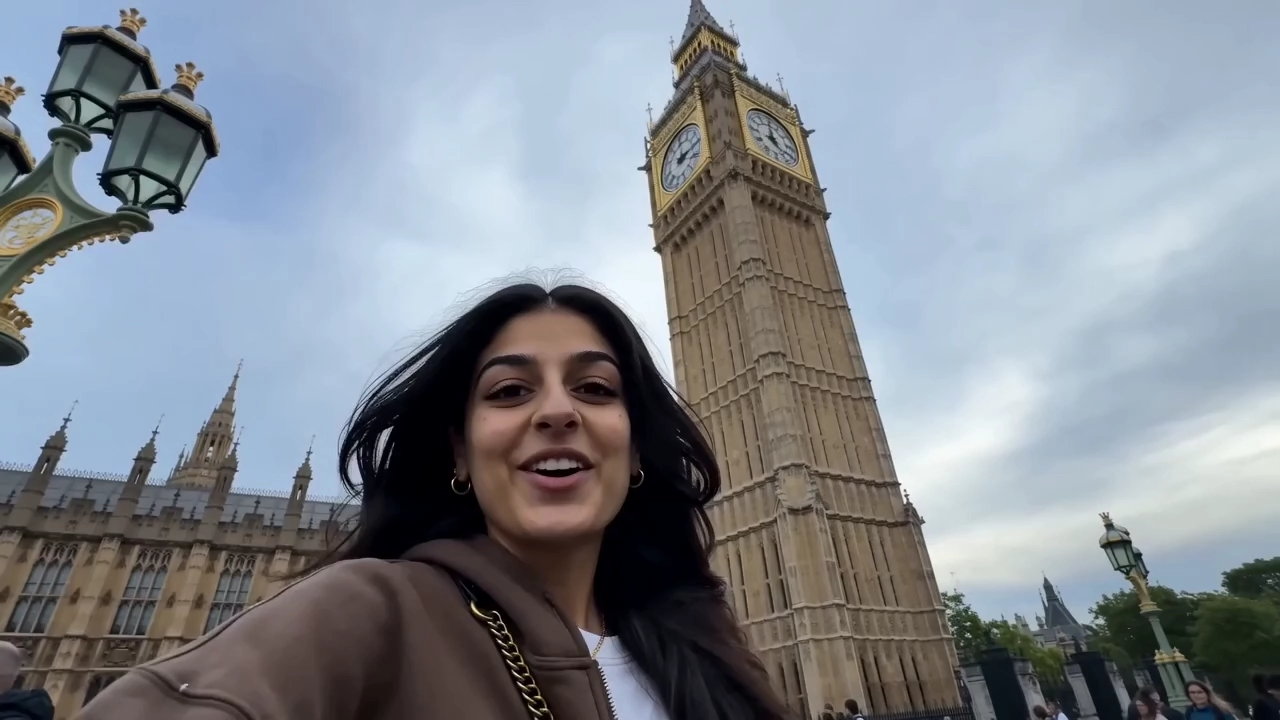
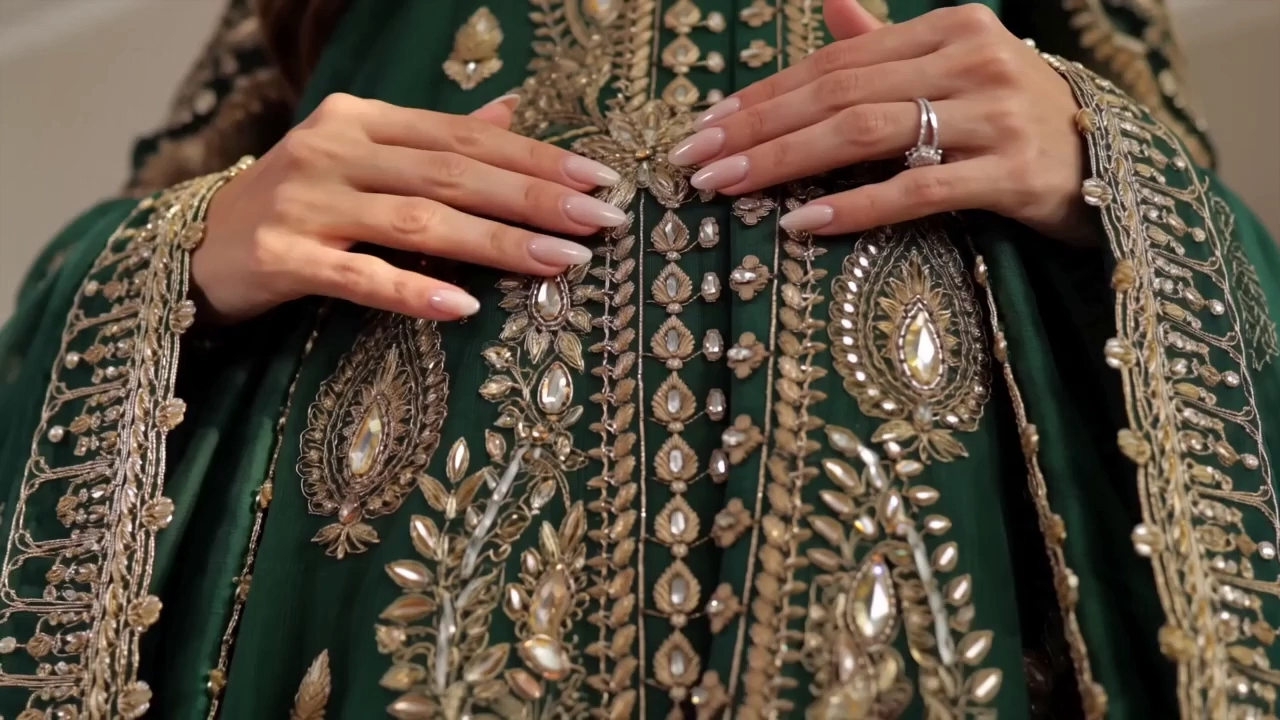
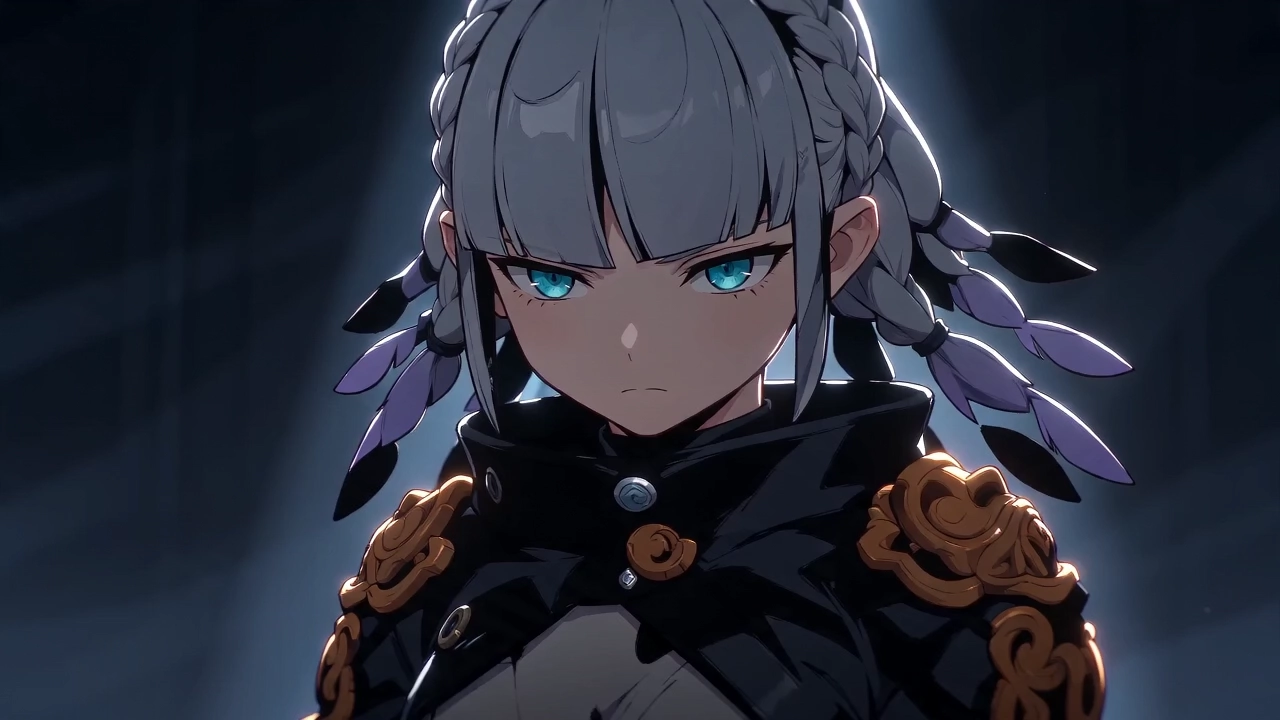
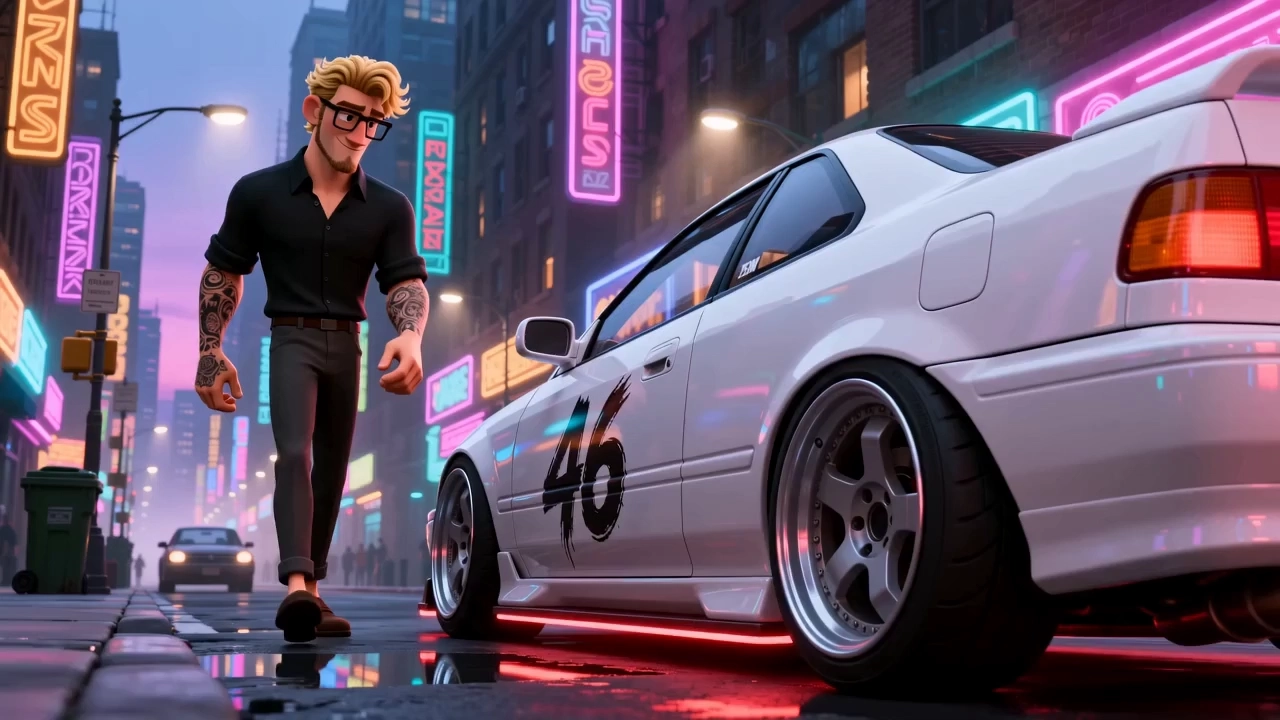
Work the AI rap video generator the way people who use it daily do. A usable clip and a wasted one are mostly decided before you press generate.
Start with a sharp photo of your rapper
Blurry or low-resolution images give the model little to work with, producing soft faces and unstable mouths. Use a sharp, well-lit, front-facing photo at the highest resolution you have.
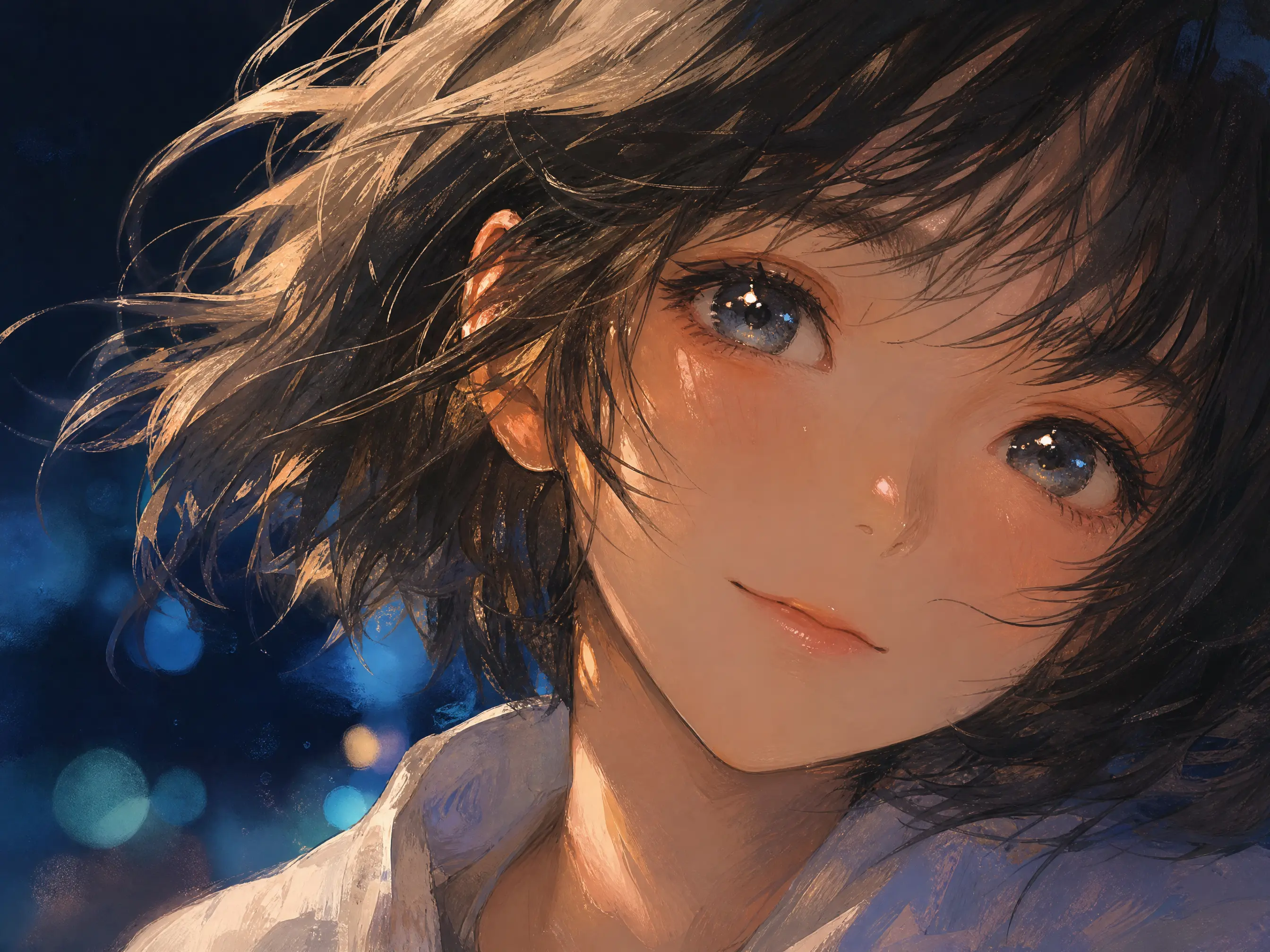
Keep the rapper big in the frame
When the face is small or half hidden, lip movement and gestures fall apart. A waist-up or chest-up framing with the face clearly visible gives the most convincing performance.
Keep each shot to one idea
Describe one performance and one camera move per clip, for example rapping straight to camera while the camera slowly pushes in. Build the full video from several short, focused shots instead of one long prompt.
Pick the right model for the job
Some models generate vocals and sound together with the picture, others let you upload your own beat or vocal track. Try the same shot on two models and keep the one with the better delivery.
Run every leading model through the AI rap video generator without paying for a separate subscription for each. New ones arrive as soon as they ship.
Start with no video experience at all. The AI rap video generator handles the timing, the frames and the render, so all you bring is a picture, a sound and a sentence.
Drop in a photo, an illustration or a character design. JPG, PNG, and WebP all work. On models that accept audio, add your beat or vocal track as MP3 or WAV. No picture yet? Generate one with the built-in image models first.
Say what happens on screen in one line: raps to camera under red neon, the camera slowly circles. Set the clip length and aspect ratio, then pick the model that suits your style.
A few minutes later the clip is ready, with sound generated alongside the picture or matched to your uploaded track. Run another take if you want a different one, then download in HD without leaving the page.
Quick answers about making rap videos with AI.
Start with a photo, a beat or a prompt. Choose any of the leading models, run as many takes as you need, and download the one you want in HD. No credit card required to begin.