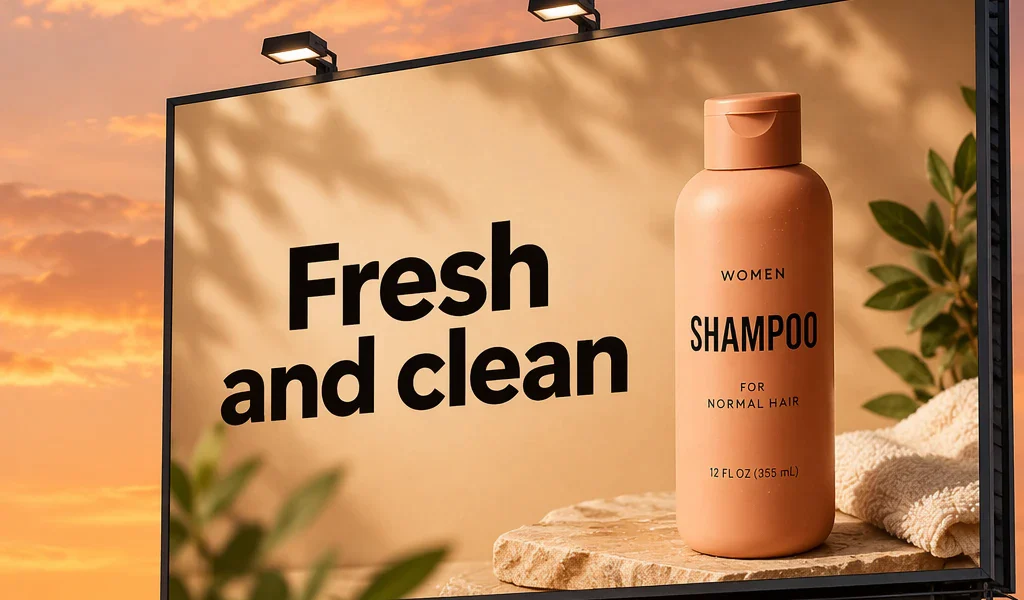
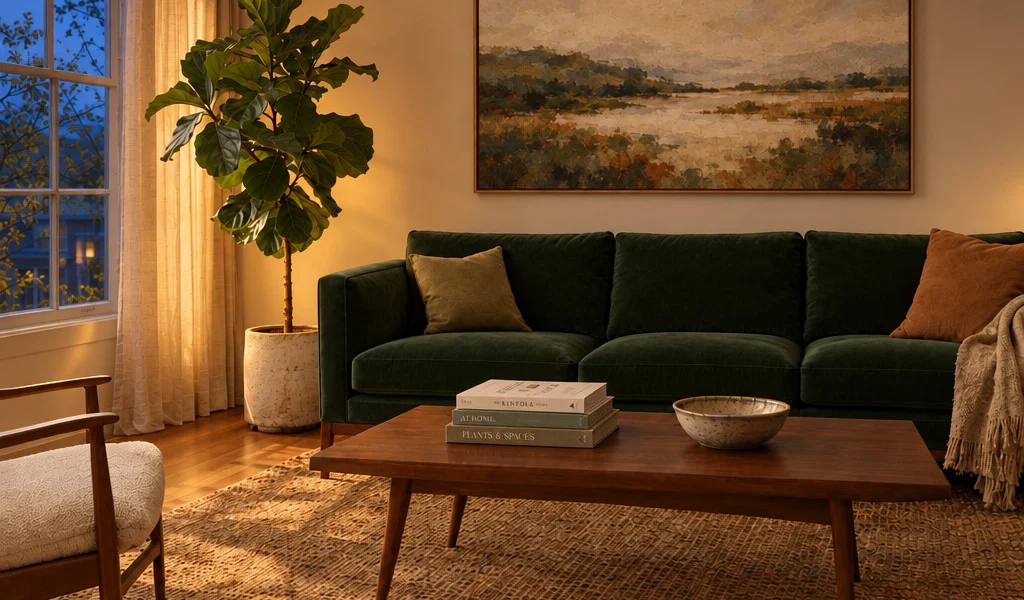
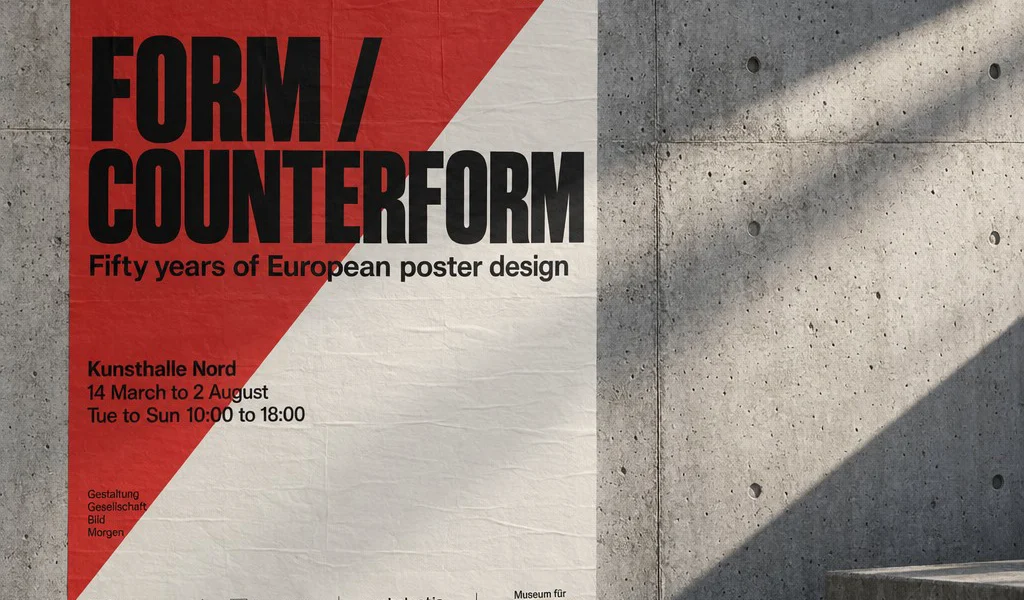
GPT Image 2.5
AI Image Generator

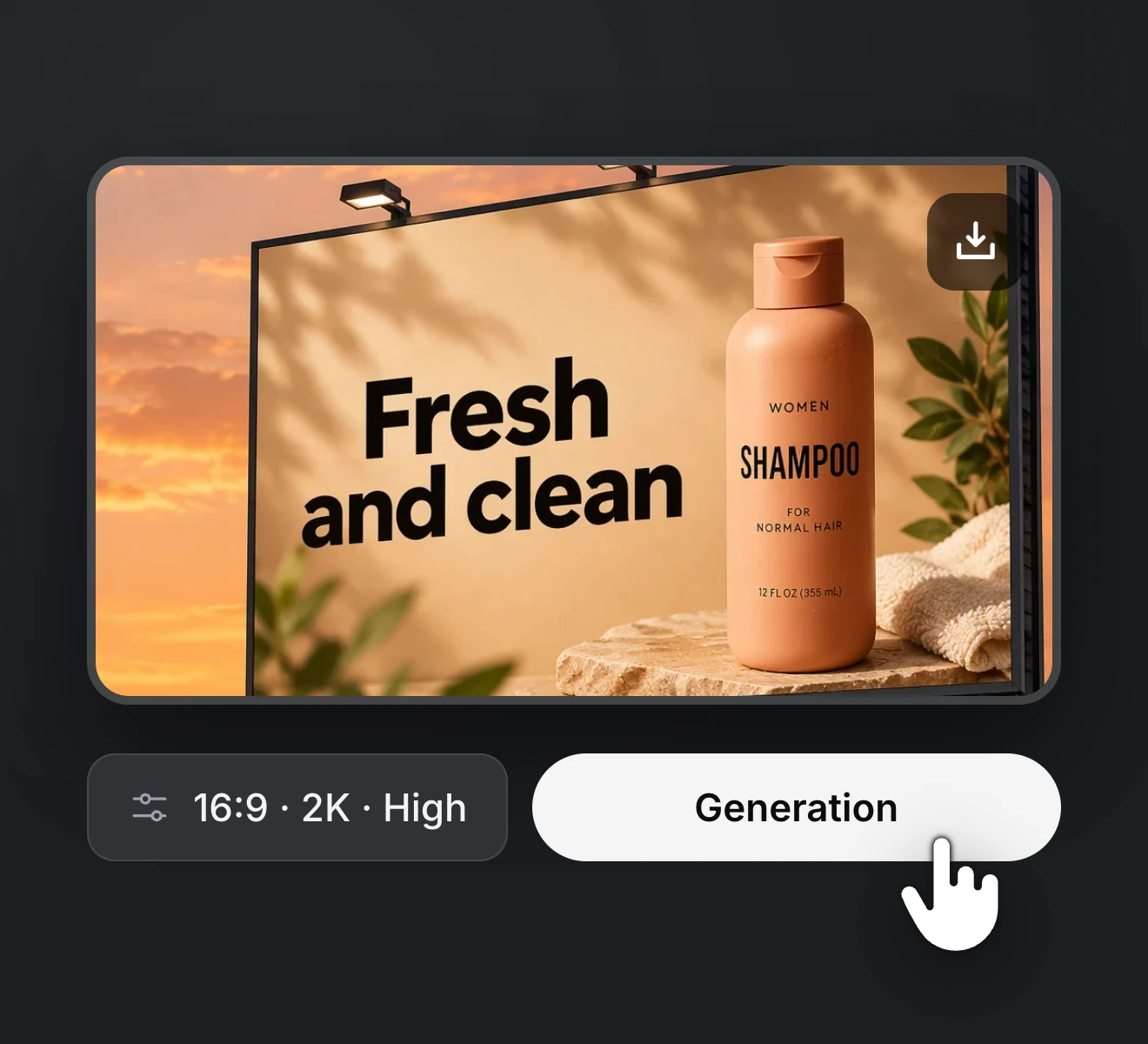
Write a prompt or upload a photo, and the GPT Image 2.5 AI image generator renders it in 1K, 2K or 4K with light and texture that read as photographed, then changes only the area you name.

2

Targeted Edits
at Half the Latency

Try GPT Image 2.5

Key Features of GPT Image 2.5

The GPT Image 2.5 AI image generator lights skin and surfaces like a camera would, keeps a referenced subject recognizable and confines each edit to the spot you point at.

Photographic Light and Texture

Photographic Light and Texture

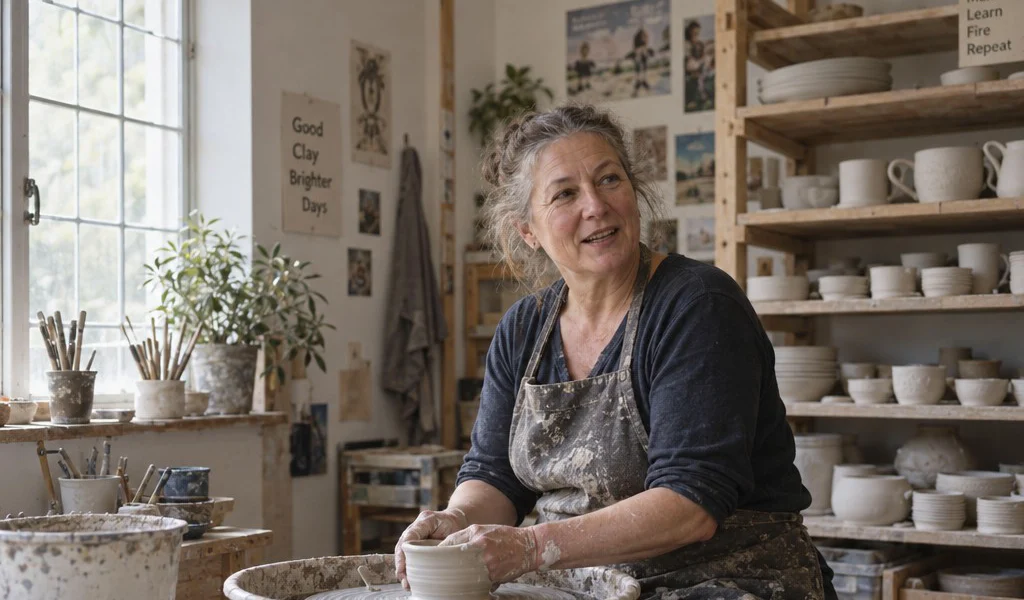
Name the light source, like a single softbox or a tall window to the left, and list the materials in shot. GPT Image 2.5 gives skin, clay, fabric and glass a photographic falloff and grain, so a press portrait of an artist holds up at full size on a single cover or a magazine page.

Referenced Subjects Kept Intact

Referenced Subjects Kept Intact

Upload the artist, the merch piece or the location, and tell GPT Image 2.5 what each image is, for example the subject, the setting or the palette. The shape, logo and telling details of the subject survive the move into a new scene, style or layout.

One Change per Edit

One Change per Edit

Start with "change only", describe the edit, then name what stays, such as the camera angle, the lighting and the rest of the room. Feed the result back in for another round, and earlier changes hold, so version five still shows the same set.

Exact Lettering and Clean Layouts

Exact Lettering and Clean Layouts

Quote the exact wording and say where it goes and how it's set. GPT Image 2.5 keeps the headline, dates and venue in order on show posters, packaging and slides. For tiny print, pick high quality and proofread before release.

GPT Image 2.5 Flare and Sunburst

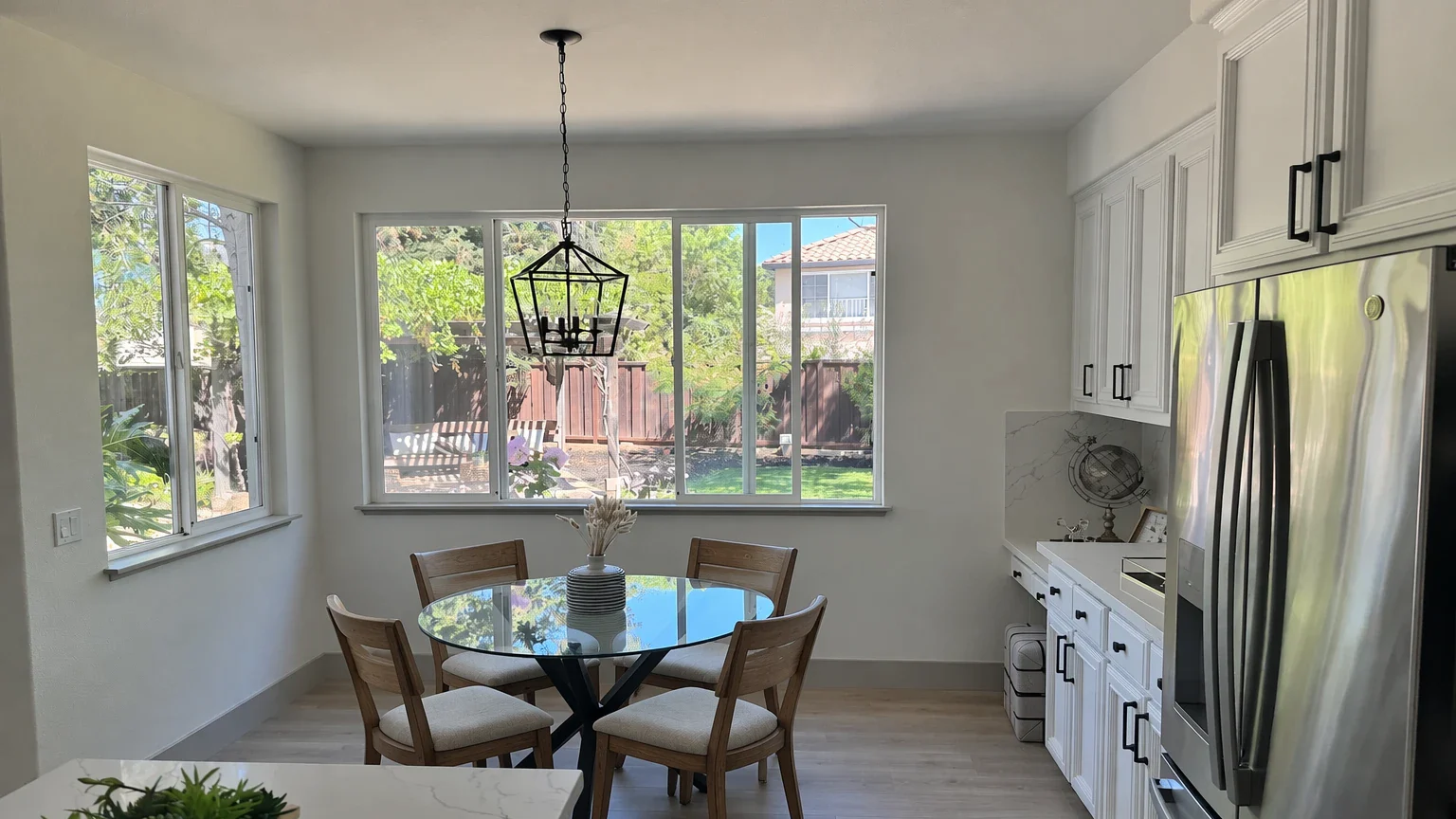
The GPT Image 2.5 AI image generator ships in two versions that cover two stages of the same project. GPT Image 2.5 Flare answers with up to 50% lower latency than GPT Image 2, quick enough to run a dozen cover layouts, crops and title treatments in one session. GPT Image 2.5 Sunburst takes more time per image to hold finer detail and stricter control across edits, so it's the version for the final artwork, press shot or campaign visual.

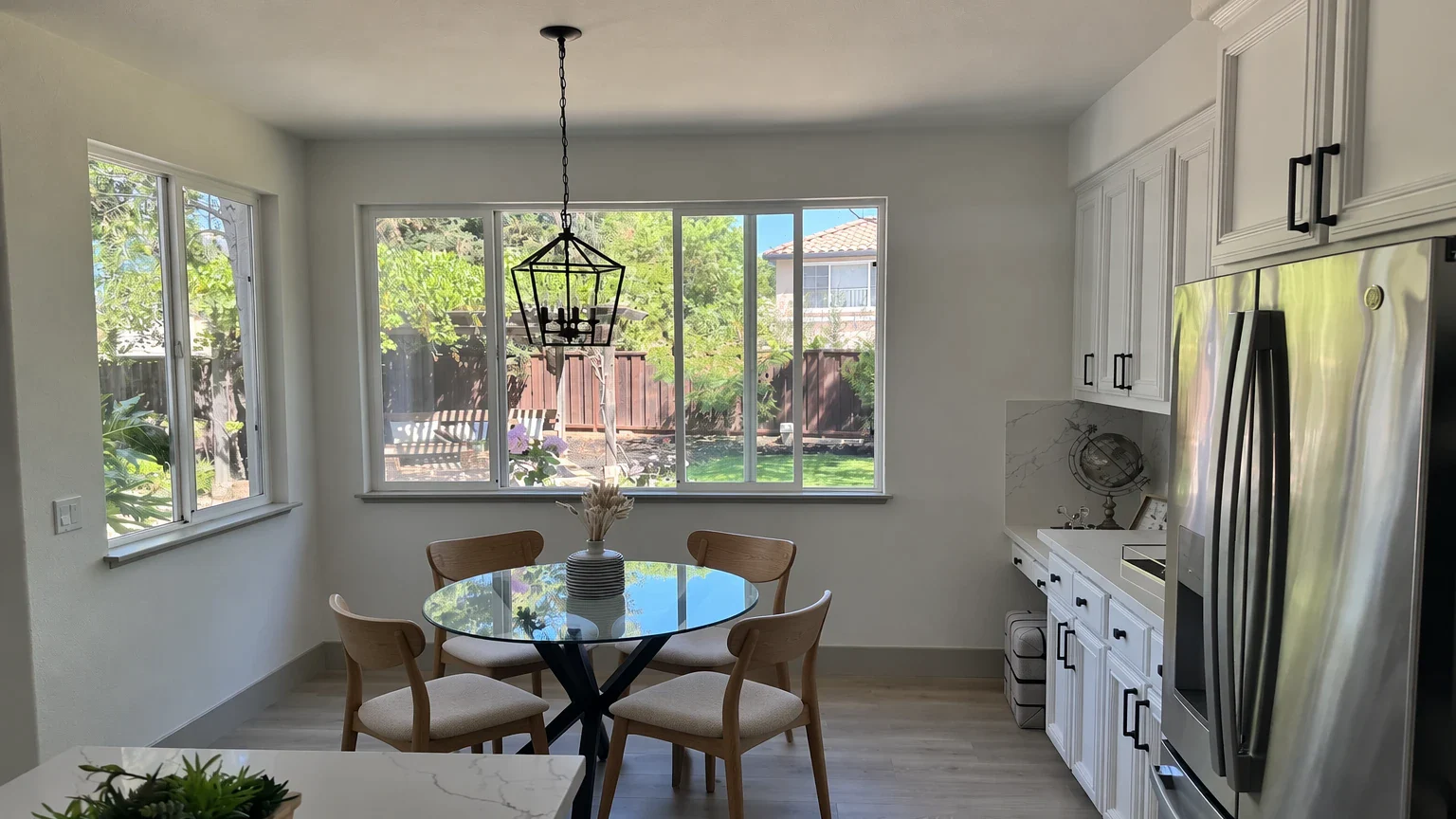
GPT Image 2.5 Flare edit of a bright dining nook: the white chairs are replaced with slatted wooden chairs with cream seats, and the glass table, pendant lamp and windows stay as they were.
GPT Image 2.5 Sunburst edit from the same prompt: the chairs become curved oak chairs with cream cushions, while the glass table, pendant lamp and refrigerator stay unchanged.

GPT Image 2.5 Use Cases

The GPT Image 2.5 AI image generator keeps up with long, exact briefs, from label wording and chart figures to a named period of illustration, so the first pass lands nearer to usable.

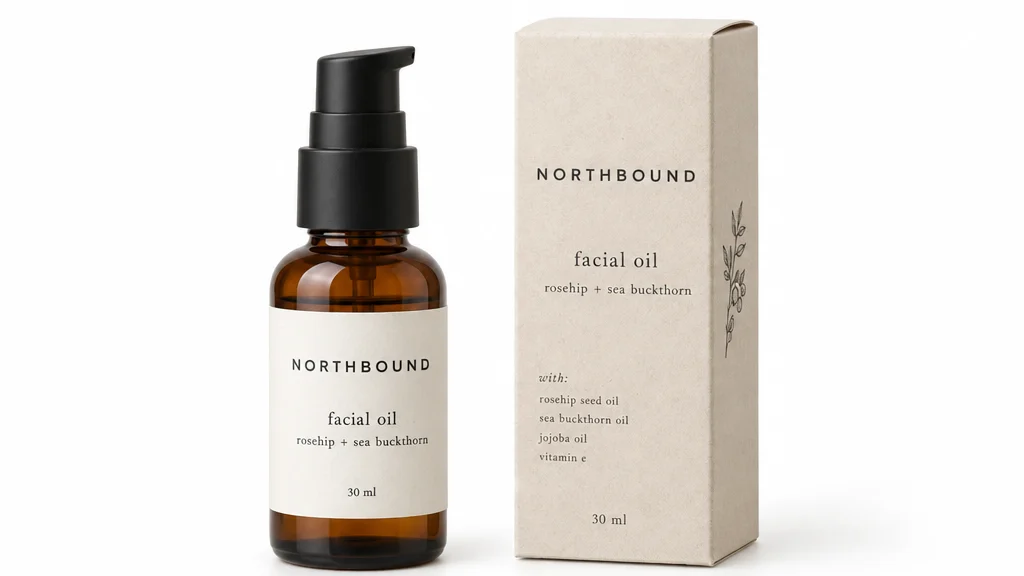
An amber glass serum bottle with a black pump stands beside its white carton, both labeled Northbound, on a seamless white background.

Product Shots and Packaging

Spell out the surface, the light and the label text in quotes. GPT Image 2.5 prints the brand name and product line on both the bottle and its box, which works the same way for merch drops, store listings and product pages.
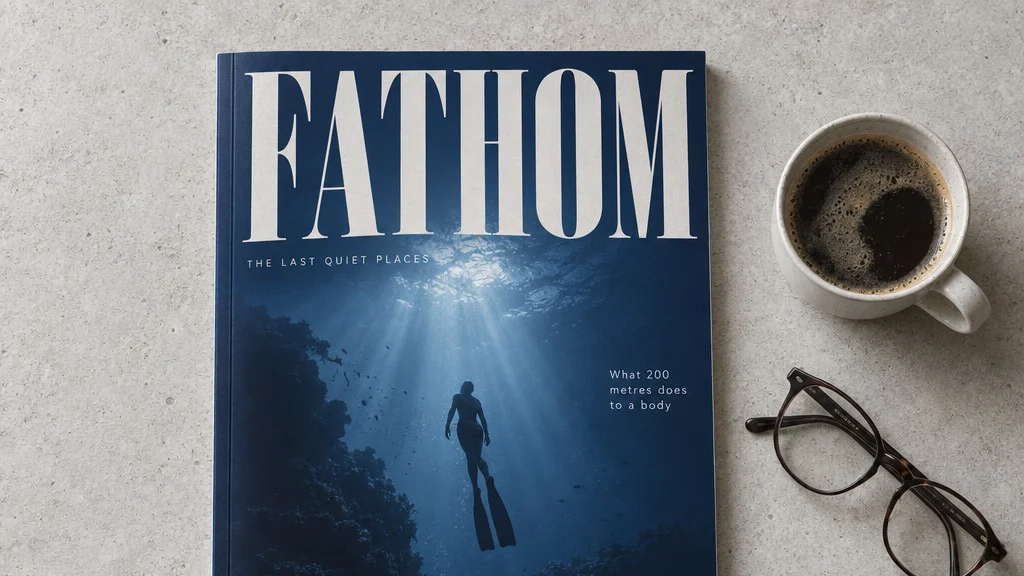
A magazine titled FATHOM, with a free diver in blue underwater light on the cover, lies on a concrete table beside a coffee cup and reading glasses.

Covers, Zines and Print

Give it the masthead, the cover lines and the cover photo you have in mind. GPT Image 2.5 sizes and places each line separately, ready for zine mockups, pitch decks and release-week posts.

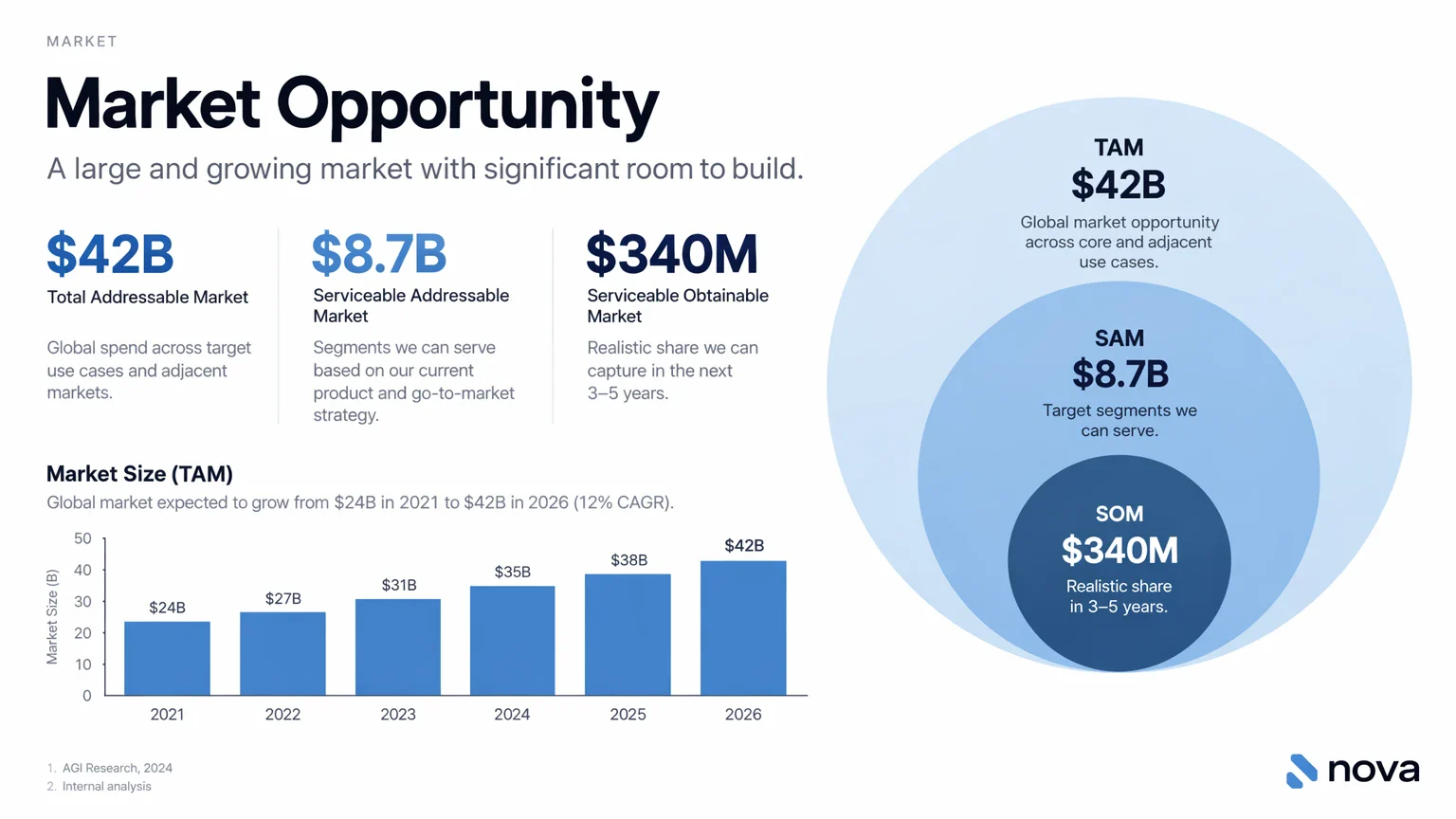
A pitch deck slide titled Market Opportunity with a blue bar chart from 2021 to 2026 and nested TAM, SAM and SOM circles.

Pitch Slides and Charts

Paste in your real numbers and labels, name each chart type and ask for one accent color on white. GPT Image 2.5 builds a slide with bars and nested market circles, fit for label pitches and reports after you've checked every figure.

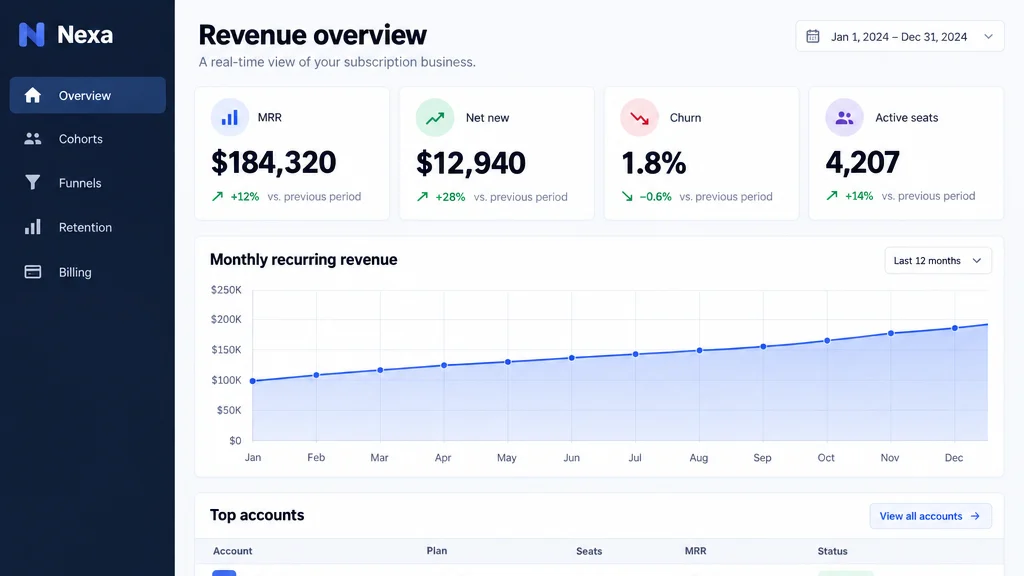
An analytics dashboard with a navy sidebar, four stat tiles and a monthly recurring revenue chart above a table of accounts.

Interface and Dashboard Mockups

Write up the product as though it were live, listing nav items, stat tiles, chart titles and table columns. GPT Image 2.5 fills them with readable labels and believable data, so the team reviews a design rather than a wireframe.

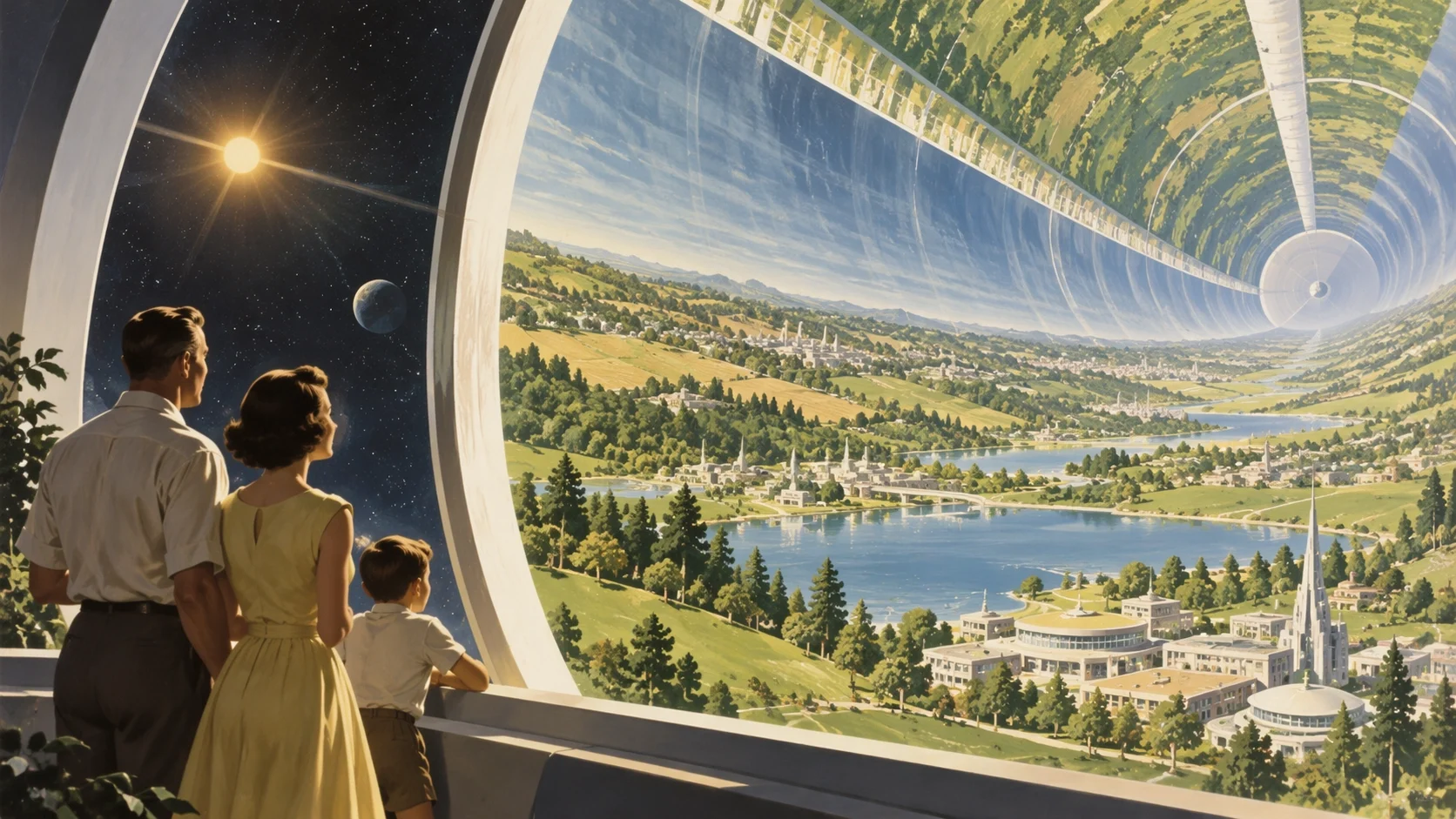
A 1950s-style illustration of a family at a window, looking out over the fields, lakes and towns inside a cylindrical space habitat.

Period Illustration and Key Art

State the period, the medium and the palette, for example gouache in the style of a 1950s magazine. GPT Image 2.5 carries that look from the family at the window to the landscape curving overhead, a fit for book covers, key art and album artwork.

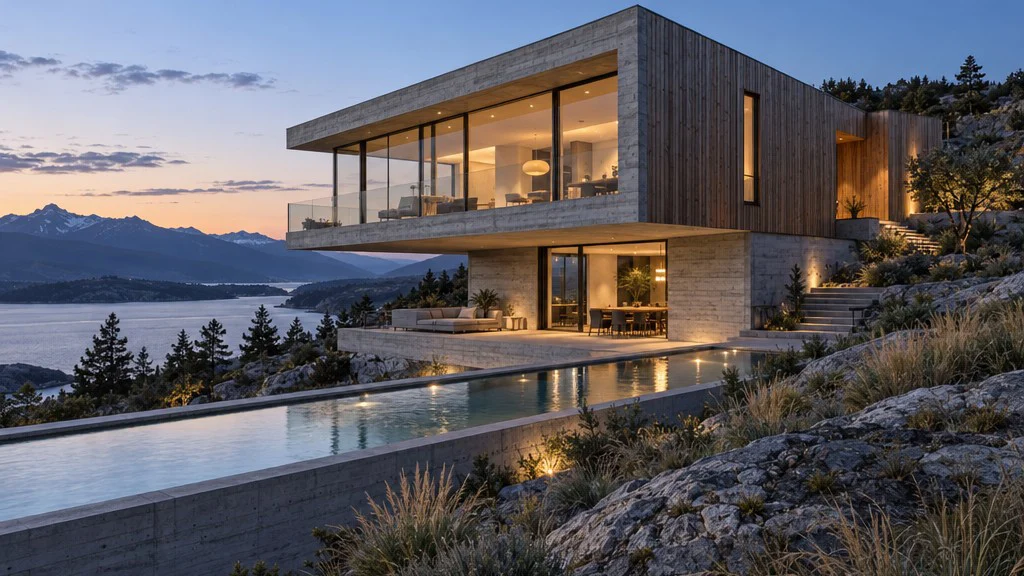
A cantilevered concrete and timber house glows at dusk above a rocky slope, with a lap pool reflecting the last light.

Architecture and Location Boards

List the materials and the hour, such as board-formed concrete, oiled larch and dusk. GPT Image 2.5 keeps every surface legible and lights the windows from inside, useful for pitches, listings and music video location boards.

Made with GPT Image 2.5

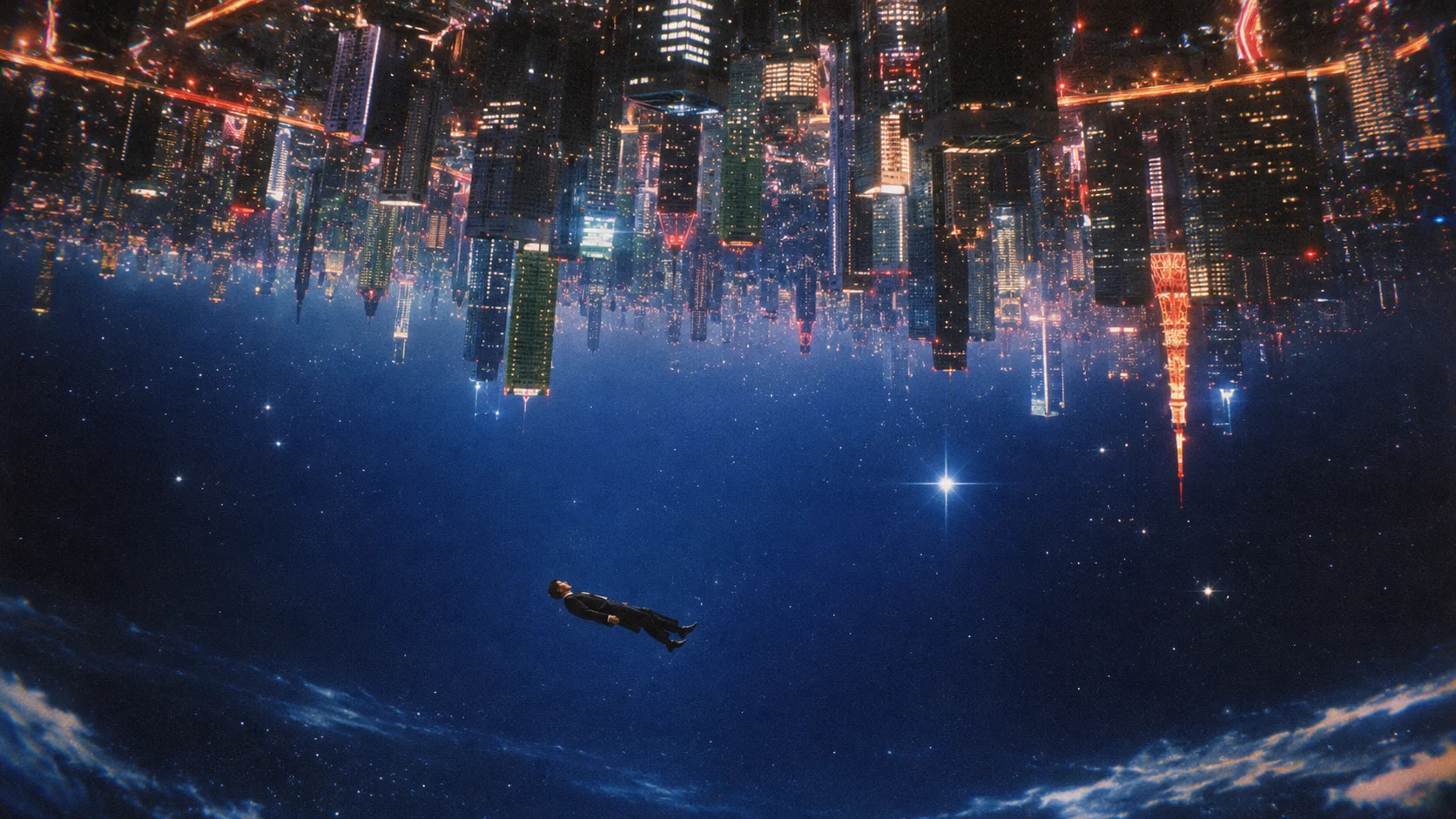
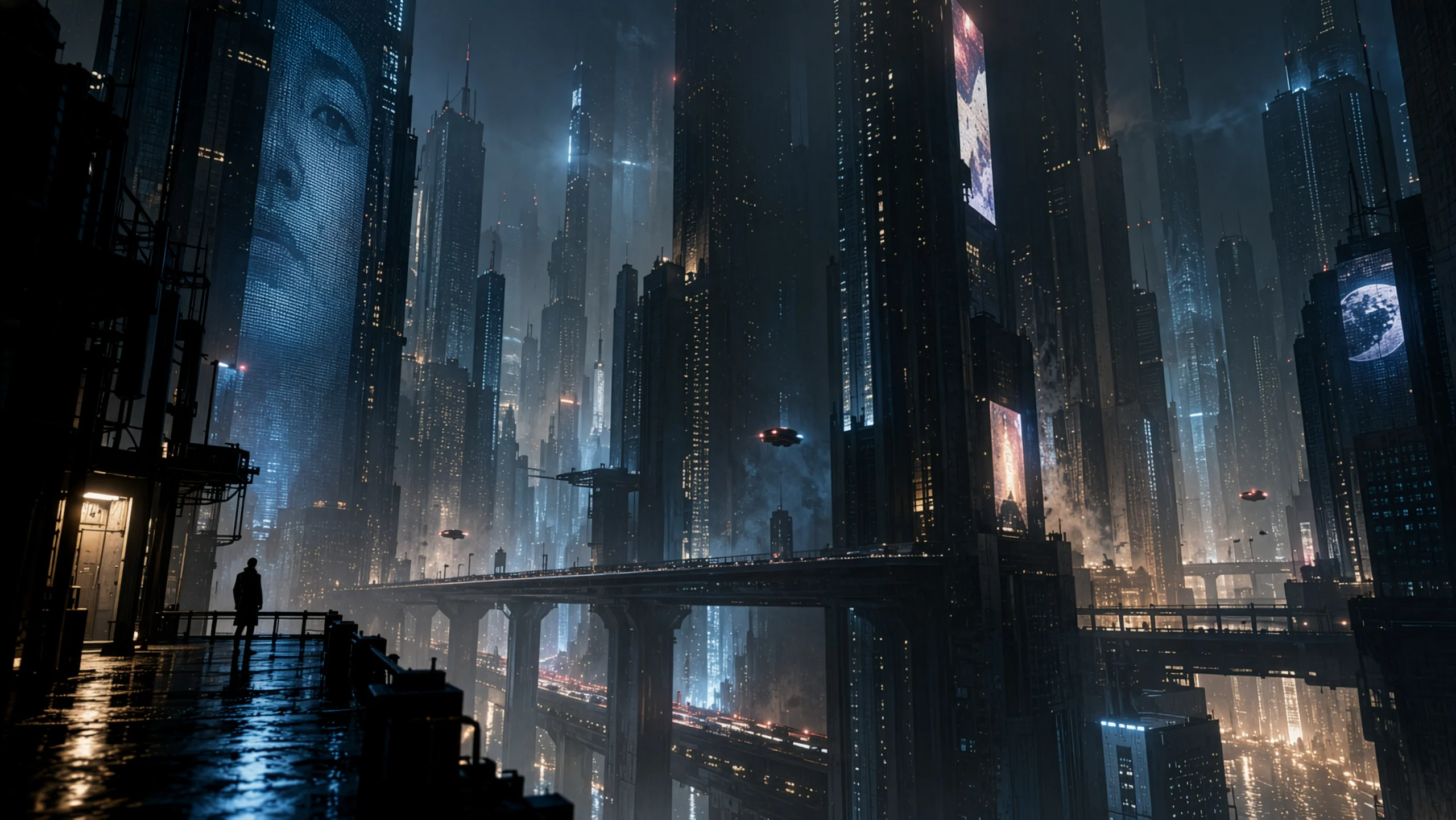
The GPT Image 2.5 AI image generator switches between documentary photos, ornate print, flat graphics and watercolor while lettering stays readable and surfaces keep their fine grain.

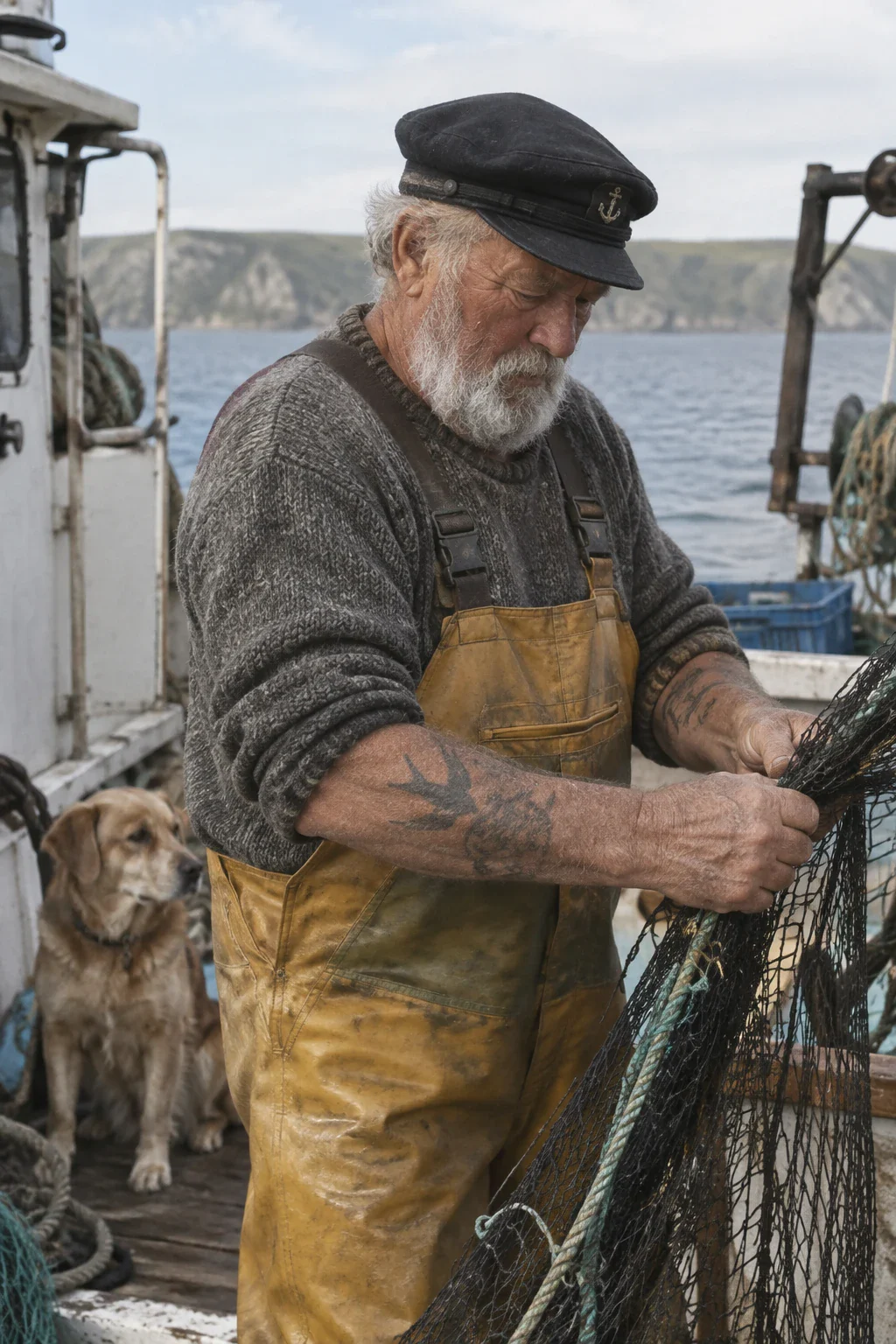
An elderly sailor in a cap and yellow oilskin overalls mends a fishing net on deck while his dog sits beside him.
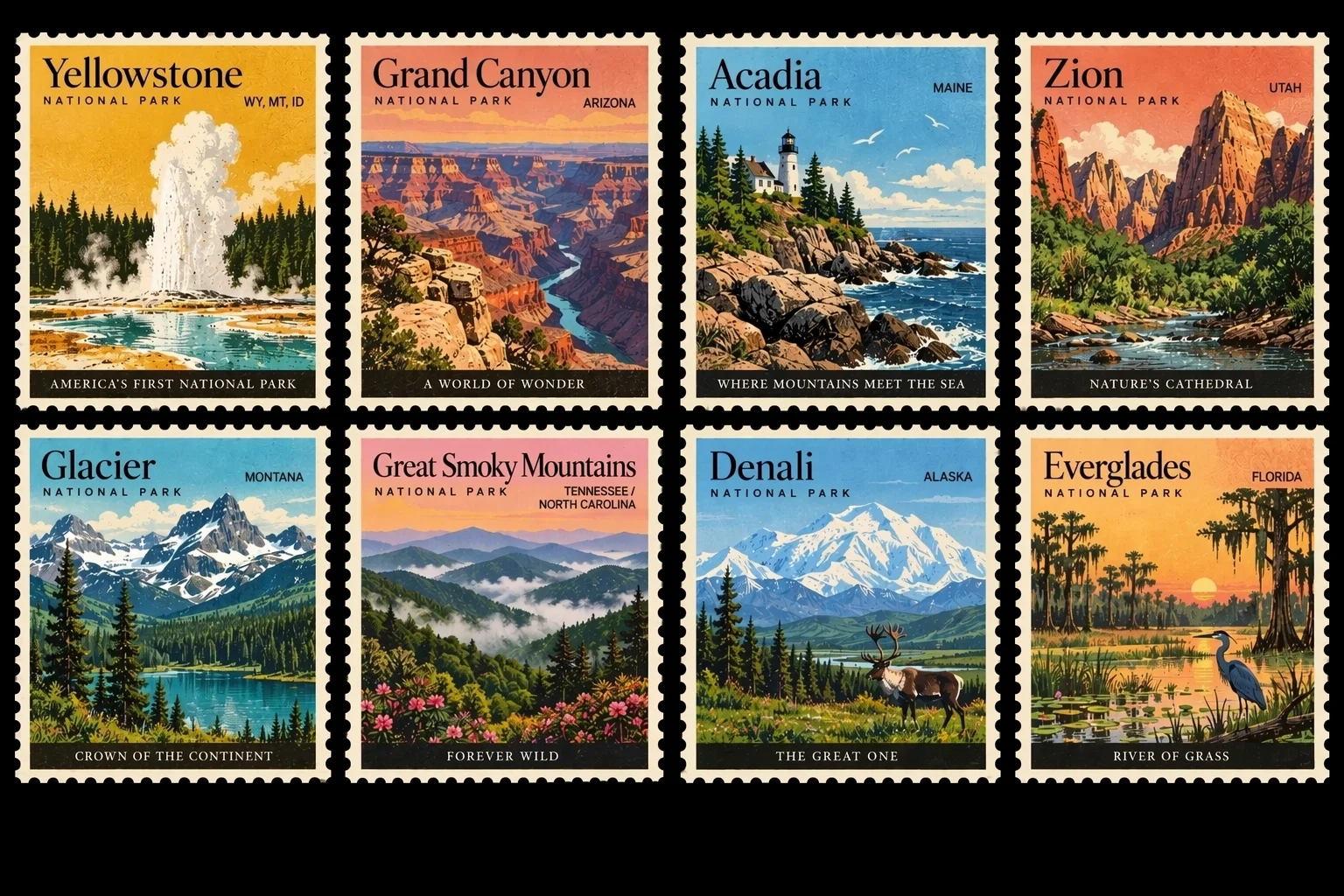
Eight vintage-style stamps of U.S. national parks, from Yellowstone and Grand Canyon to Denali and Everglades.
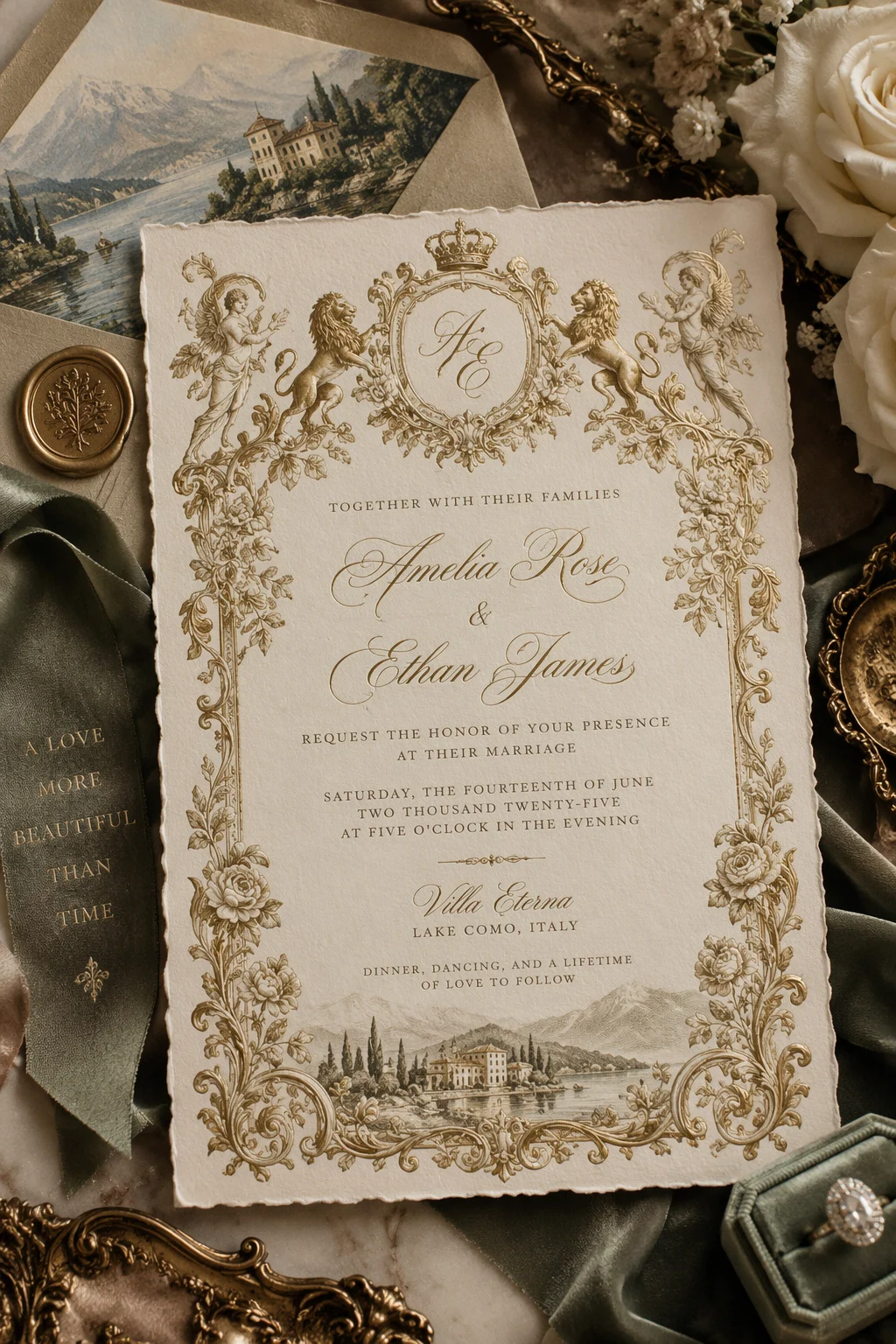
A cream and gold wedding invitation with a crowned monogram and lions, laid among silk ribbons, roses and a wax seal.
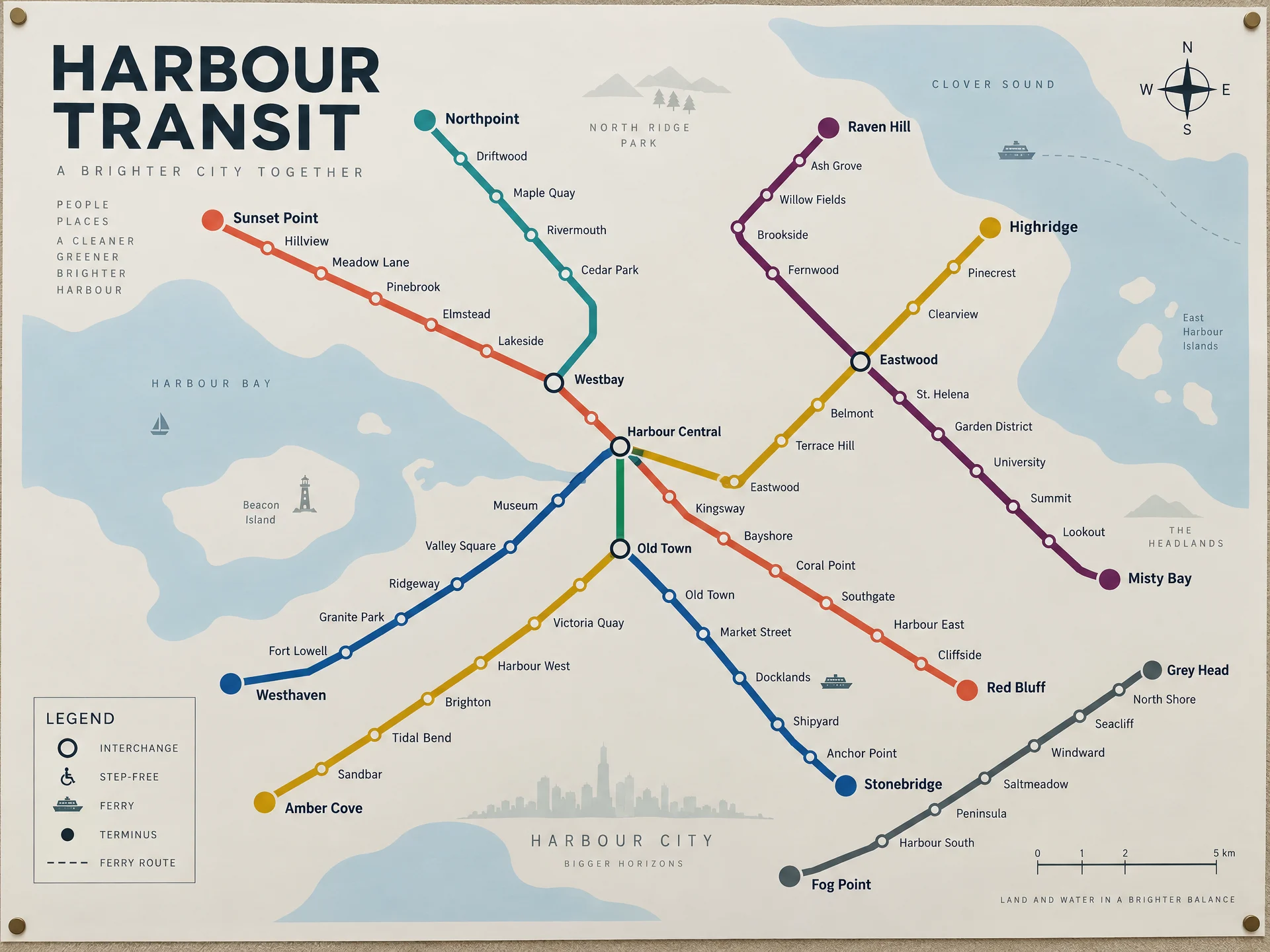
A transit map poster titled Harbour Transit, with color-coded lines, named stations and a legend.
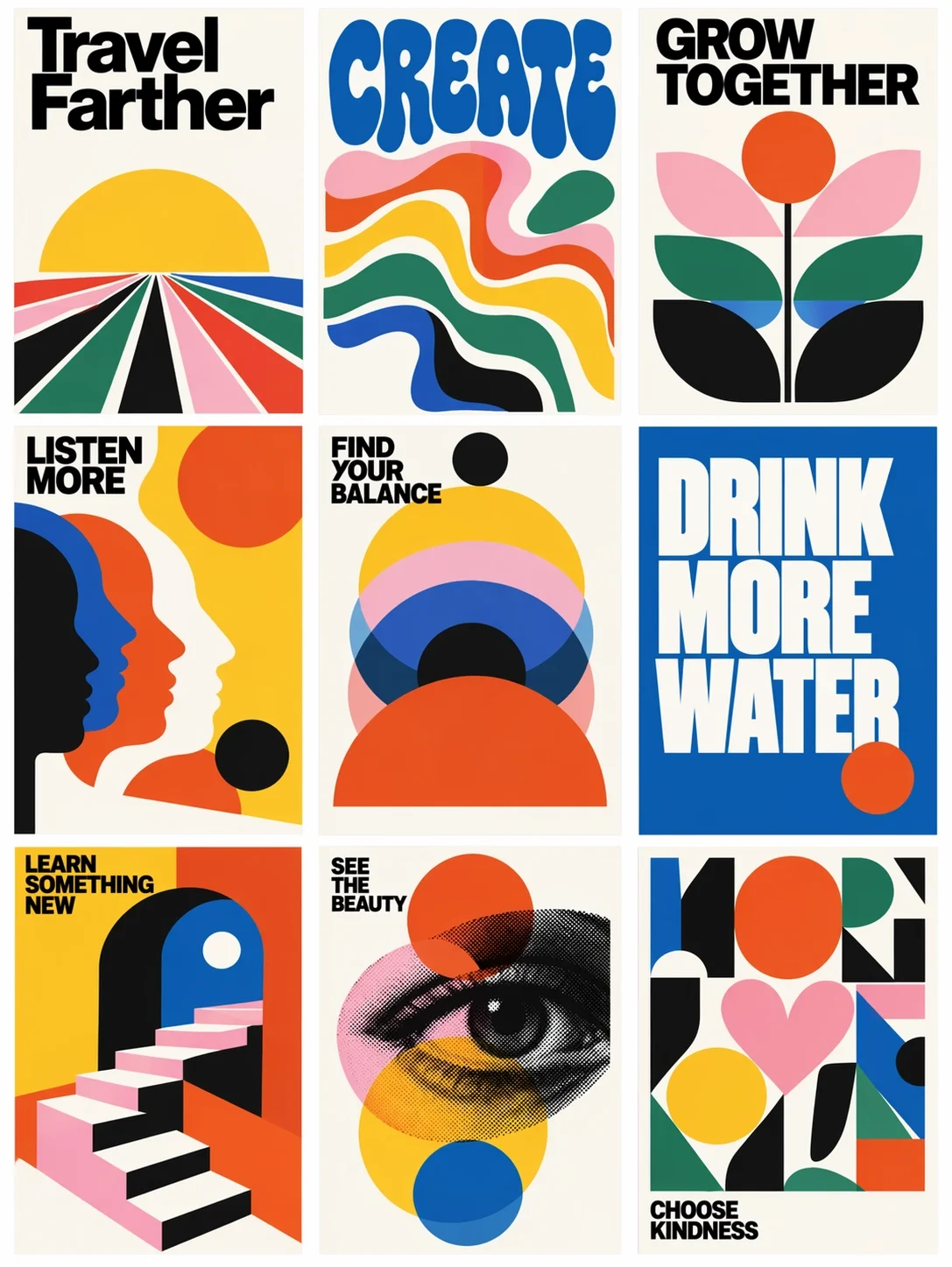
Nine mid-century modern posters in a grid, with slogans such as Travel Farther, Create and Drink More Water.
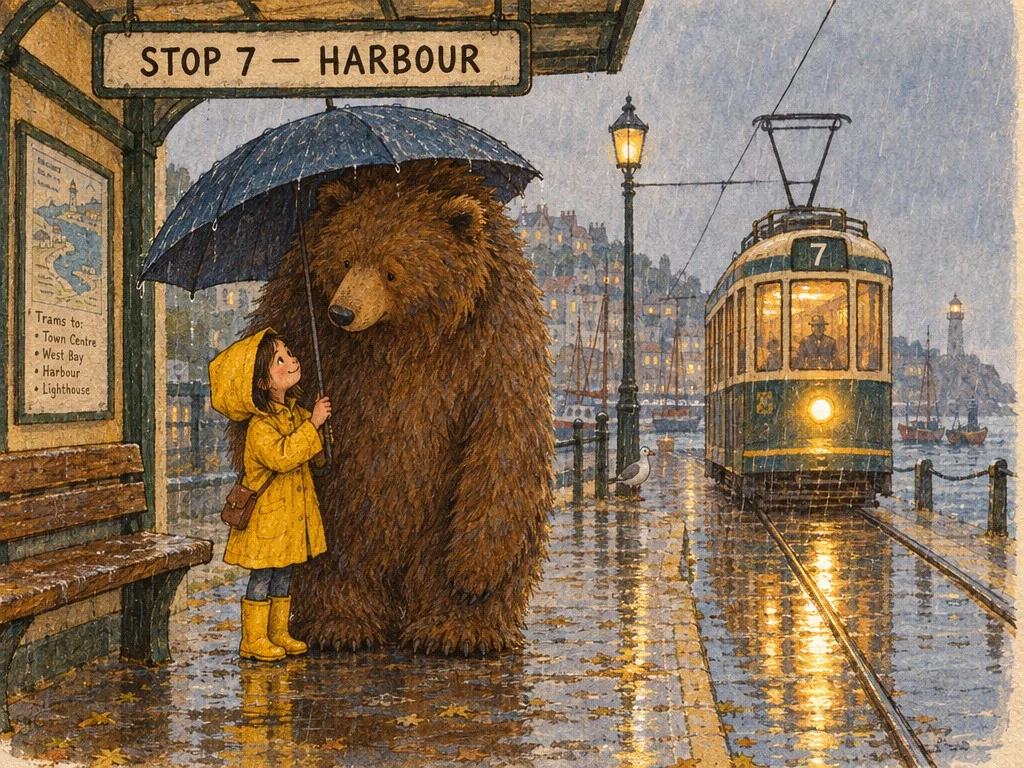
A storybook illustration of a girl in a yellow raincoat sharing an umbrella with a large bear at a rainy tram stop.
A red and cream vintage toy airplane in blister packaging labeled Christmas Memories Edition.
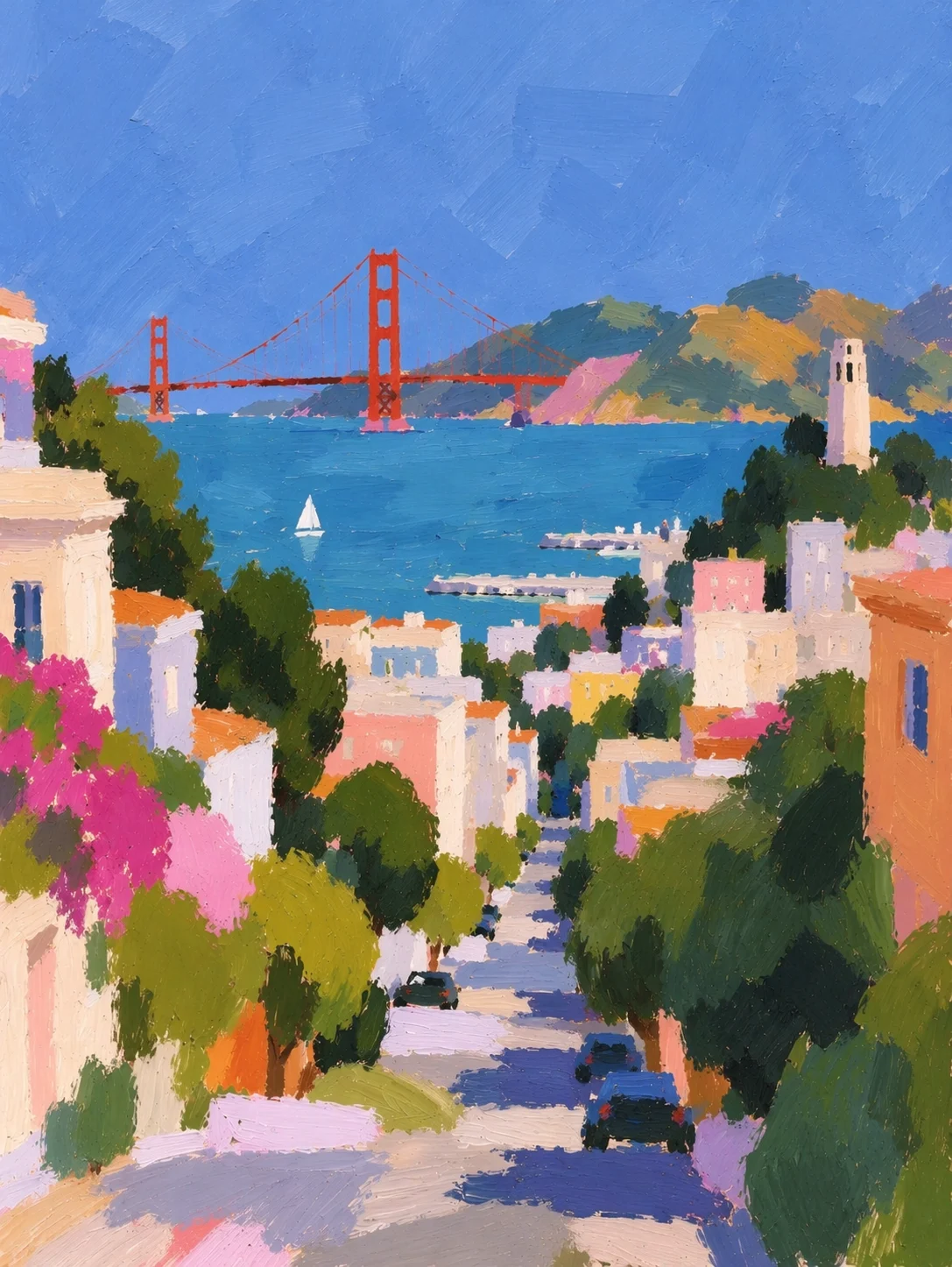
An impressionist painting of a San Francisco street running down past colorful houses toward the Golden Gate Bridge.

How to Use GPT Image 2.5

The GPT Image 2.5 AI image generator starts from text alone or from your reference images, and any result can return as the base for the next edit.

  1. Upload References

    Step 01

    Upload References

    Add up to 16 images, or skip straight to text. Note the job of each one, such as the artist, the style or the backdrop.

  2. Describe the Image

    Step 02

    Describe the Image

    Cover the subject, framing, light and materials. Quote any exact wording, and for an edit, say what changes and what stays.

  3. Set Options and Generate

    Step 03

    Set Options and Generate

    Choose Flare or Sunburst, then the ratio, resolution and quality, and generate. Download the image, or upload it again for another pass.

Start with the GPT Image 2.5 AI Image Generator

Bring a prompt or a reference photo and get back an image with true-to-camera light, exact lettering and edits that stay put, from single covers to show flyers. Rough out ideas on GPT Image 2.5 Flare, then render the keeper on GPT Image 2.5 Sunburst.

Create with GPT Image 2.5

Pricing

Upgrade or cancel anytime. Choose a plan for clean output, fast generation, full model access and priority support.

Monthly

Annual

36% OFF

GPT Image 2.5 AI Image Generator FAQs

Common questions about the GPT Image 2.5 AI image generator on RapVid, covering Flare versus Sunburst, editing, references and credit cost.

It's OpenAI's image model, released on September 8, 2026, and the one powering ChatGPT Images 2.5. Next to GPT Image 2 it produces more natural light and richer texture, holds referenced subjects closer to the original and sticks to edit instructions better over several rounds. On RapVid we offer it for text to image and image to image, with Flare and Sunburst side by side in one generator.

That comes down to where you are in the project. Prompts, references, resolutions and aspect ratios are identical on both, and on RapVid they cost the same credits. Flare is OpenAI's default, with better image quality than GPT Image 2 at up to 50% lower latency, so we use it to try cover layouts and iterate. Sunburst spends longer on each image for finer detail and tighter edit control, and OpenAI points to it for polished product and campaign work. We keep it for the final artwork and for edits where nothing else may move.

Name the change and name what stays. Upload the image, write "change only" plus the edit, then list the things that must not move, such as the face, the camera angle, the lighting and the logo. For the next change, upload the new version and repeat those limits, one edit per pass. If something starts to drift after a few rounds, state it again, or switch the edit to Sunburst, which holds limits more firmly.

Up to 16 per generation. Number them in your prompt and assign each a role, such as "image 1 is the artist, image 2 is the backdrop, image 3 sets the palette." People, products and rooms keep their shape and details as GPT Image 2.5 places them in a new scene. Upload only material you hold the rights to.

You get 1K, 2K or 4K in 1:1, 2:3, 3:2, 3:4, 4:3, 9:16, 16:9, 1:2, 2:1, 21:9 and 9:21, plus Auto, where the model chooses the ratio. Quality is low, medium or high. Our tip: rough things out at 1K on medium, then go to 2K or 4K on high for the cover or poster you'll release.

Yes, for titles, labels and short captions, which covers most single covers and show flyers. Quote the exact words, describe their position and style, and ask for no extra text. Spell rare artist or brand names one letter at a time. Dense copy like menus, footnotes and fine legends is less dependable, so choose high quality and proofread before printing.